

Best External Drive for Ripping and Storing DVDs

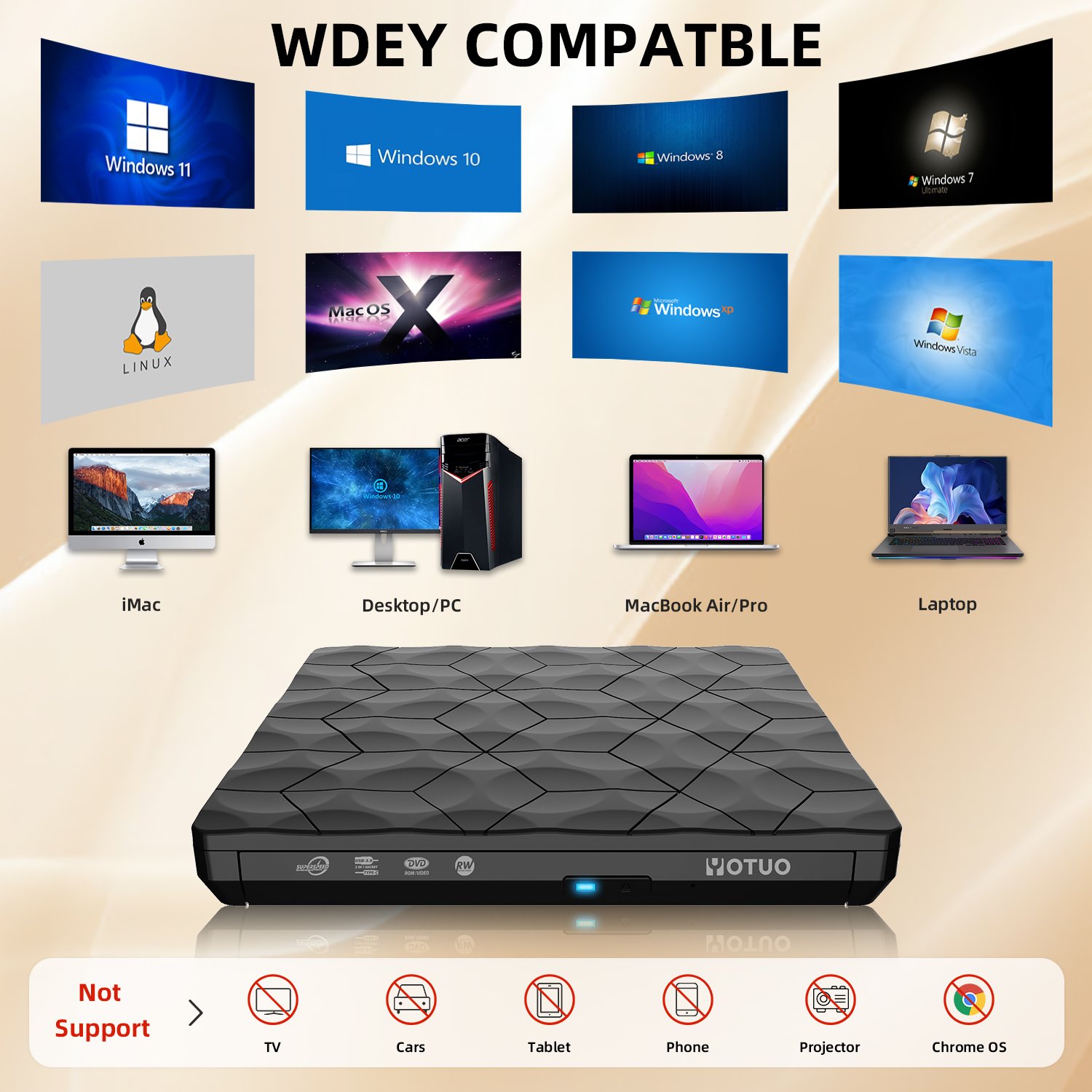
The best external drive for ripping and storing DVDs in 2025 is a high-capacity HDD with at least 2TB of storage, fast USB 3.0 connectivity, and durability for long-term backups. Each DVD requires between 4GB and 8GB, meaning a 2TB external drive can store about 300–400 DVDs. HDDs are ideal for affordable bulk storage, while SSDs are better for faster access and portability.
Why Ripping and Storing DVDs Still Matters in 2025
Even in the age of streaming, DVDs continue to be important for collectors, home theaters, and families with legacy discs. Reasons to digitize DVDs include:
- Preservation: Physical DVDs scratch and degrade over time.
- Convenience: Store hundreds of movies on one portable drive.
- Accessibility: Play movies directly from a laptop, smart TV, or media server.
- Space saving: Replace shelves of discs with a pocket-sized device.
- Portability: Carry your collection anywhere.
For anyone who values their movie library, external drives are the cornerstone of digital archiving.
Understanding DVD and Blu-ray Storage Requirements
DVD Storage
- Single-layer DVD: 4.7GB
- Dual-layer DVD: 8.5GB
Blu-ray Storage
- Single-layer Blu-ray: 25GB
- Dual-layer Blu-ray: 50GB
Storage Estimates
- 100 DVDs ≈ 320GB–800GB
- 320 DVDs ≈ 2.5TB–4TB
- 100 Blu-rays ≈ 2.5TB–5TB
👉 For serious collectors, 4TB–8TB HDDs are the best starting point.
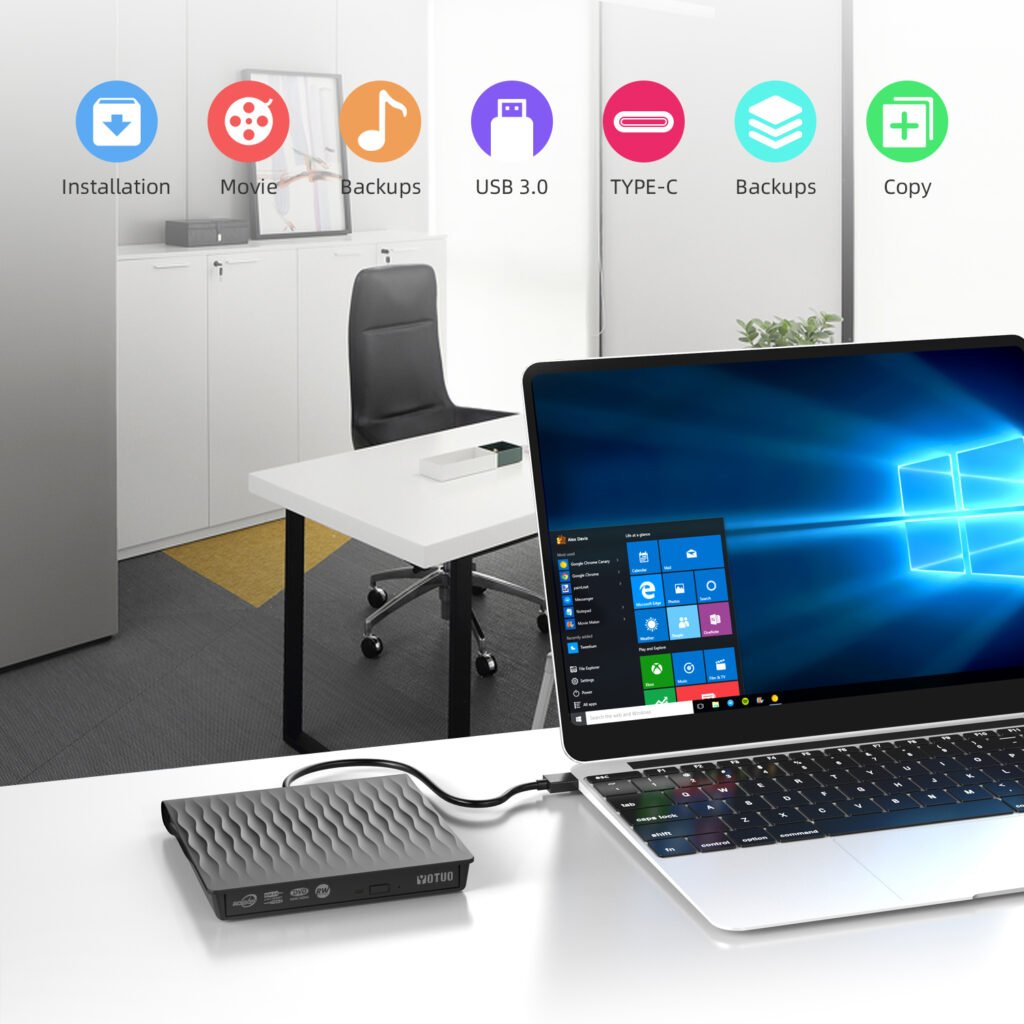
HDD vs SSD for Movie Storage
HDD (Hard Disk Drive)
- Pros:
- Cheap per terabyte.
- Large capacity (up to 20TB).
- Great for bulk storage.
- Cons:
- Slower speeds (100–160MB/s).
- Heavier, mechanical moving parts.
SSD (Solid-State Drive)
- Pros:
- Extremely fast transfers (400–2000MB/s).
- Portable, shockproof.
- Great for frequent use and playback.
- Cons:
- Expensive per terabyte.
- Limited to ~8TB capacities.
Recommendation:
- HDD for archiving entire collections.
- SSD for on-the-go access or editing movie files.
Step-by-Step: How to Rip DVDs to an External Drive
Step 1: Prepare Your Hardware
- A computer with a DVD or Blu-ray drive.
- External hard drive (HDD or SSD).
- USB 3.0/USB-C connection for faster transfers.
Step 2: Choose Ripping Software
- HandBrake (free, open-source).
- MakeMKV (popular for DVD and Blu-ray).
- WinX DVD Ripper (commercial option).
Step 3: Select Output Formats
- MP4: Most universal, works on all devices.
- MKV: Retains quality, good for advanced users.
- AVI: Older format, less recommended.
Step 4: Rip and Save
- Insert DVD.
- Open software → choose DVD source.
- Select output format (MP4 recommended).
- Save directly to external hard drive.
Step 5: Organize Your Movies
- Create folders by Year or Genre.
- Rename files clearly (e.g., “Inception_2010.mp4”).
Features to Look for in the Best External Drive for DVDs
- Capacity: Minimum 2TB for small collections, 8TB+ for collectors.
- Speed: USB 3.0/3.2 is essential; USB-C preferred for SSDs.
- Compatibility: Format drive as exFAT for both Mac and Windows.
- Durability: Shock resistance if carried often.
- Playback Support: Some drives integrate directly with smart TVs.
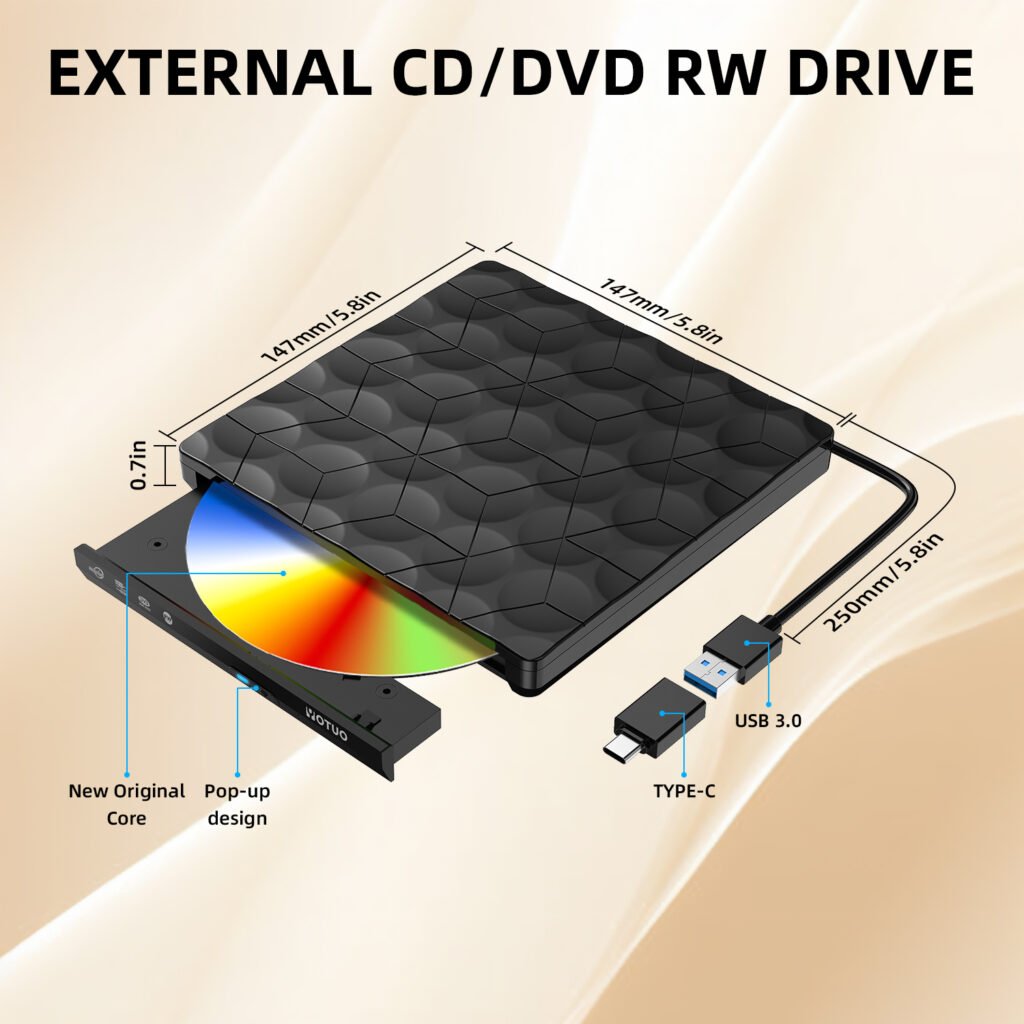
Best External Drives for Ripping and Storing DVDs (2025 Picks)
YOTUO SY-HDD01 Portable HDD
- Capacity: 320GB–2TB
- Why It Works: Affordable, reliable for students and families digitizing small DVD collections.
Seagate Expansion Desktop HDD
- Capacity: 4TB–16TB
- Why It Works: Ideal for movie collectors archiving hundreds of DVDs or Blu-rays.
WD My Book
- Capacity: 4TB–12TB
- Why It Works: Desktop design, automatic backup features, excellent for home theaters.
Samsung T7 Portable SSD
- Capacity: 320GB–2TB
- Why It Works: Fast, portable, great for families traveling with movies.
LaCie Rugged SSD Pro
- Capacity: 1TB–4TB
- Why It Works: Rugged, waterproof, ideal for carrying collections safely.
Comparison Table: Best Drives for DVD Storage in 2025
| Brand/Model | Type | Capacity | Speed | Best For |
| YOTUO SY-HDD01 | HDD | 320GB–2TB | 120MB/s | Students, small collections |
| Seagate Expansion | HDD | 4TB–16TB | 140MB/s | Movie collectors |
| WD My Book | HDD | 4TB–12TB | 130MB/s | Home theaters |
| Samsung T7 | SSD | 500GB–2TB | 1050MB/s | Portable movie playback |
| LaCie Rugged SSD Pro | SSD | 1TB–4TB | 2000MB/s | Travelers, durability |
Technical Details: File Systems and Performance
- exFAT: Recommended for cross-platform movie libraries.
- APFS/HFS+: Best for Mac-only users.
- NTFS: Windows only, not recommended for mixed use.
- Cache Buffers: Larger buffers reduce transfer slowdowns during rips.
- RPM (HDDs): 7200 RPM models perform better when transferring large video files.
Long-Term Storage Strategies
- Always keep two copies of your movie library (two drives, or drive + cloud).
- Store drives in a cool, dry environment.
- Replace HDDs every 4–5 years to prevent mechanical failure.
- For critical collections, consider RAID systems for redundancy.
FAQs: External Drives for DVD Storage
Q: How many DVDs fit on a 2TB drive?
About 300–400 DVDs, depending on compression.
Q: Can I play movies directly from an external drive?
Yes, most laptops, TVs, and media servers support this.
Q: Which is better for movies, HDD or SSD?
HDD for bulk storage, SSD for fast, portable playback.
Q: What’s the best ripping format?
MP4 is the most universal; MKV preserves full quality.
Q: Do I need special formatting for smart TVs?
Yes, exFAT ensures compatibility with most modern TVs.
Final Recommendation
The best external drive for ripping and storing DVDs in 2025 depends on your collection size and viewing habits:
- For small family collections: YOTUO SY-HDD01.
- For movie enthusiasts with hundreds of discs: Seagate Expansion Desktop.
- For home theaters: WD My Book with automatic backups.
- For travel portability: Samsung T7 SSD or LaCie Rugged SSD Pro.
Ultimately, the ideal setup for serious collectors is a hybrid solution:
- Use HDDs for archiving your full DVD/Blu-ray collection.
- Use SSDs for portable playback on laptops, smart TVs, and media centers.
By combining the right hardware with the right ripping software, you can ensure your entire movie library is safe, organized, and always ready to enjoy.