

External Hard Drive Encryption: Why It’s Important and How to Do It

In today’s digital age, securing your data is more critical than ever. An external hard drive is often used to store sensitive files, including personal documents, business records, and media libraries. Without proper protection, these drives can be lost, stolen, or accessed by unauthorized individuals. Encrypting an external hard drive adds a strong layer of security, ensuring that your data remains private and protected. This article explores why encryption is essential, how it works, step-by-step setup methods, and highlights high-quality external hard drives, including models from Yotuo-US.com, that support secure encryption.
Why External Hard Drive Encryption is Essential
Protect Sensitive Data from Theft
External drives are portable, which makes them convenient but also vulnerable to theft. Encryption ensures that even if your drive falls into the wrong hands, the stored files remain inaccessible without the correct password or encryption key.
Maintain Privacy for Personal and Business Files
Personal documents like tax records, photos, and private communications, or business files containing confidential client data, require protection. Encryption prevents accidental exposure and helps comply with privacy regulations.
Prevent Data Tampering
Encrypted drives safeguard against unauthorized modifications. If someone attempts to tamper with files, encryption ensures the data cannot be read or altered without proper authorization.
Compliance with Data Protection Regulations
Many industries require secure storage of sensitive information. Encrypting your external hard drive can help you meet compliance standards such as GDPR, HIPAA, or corporate security policies.
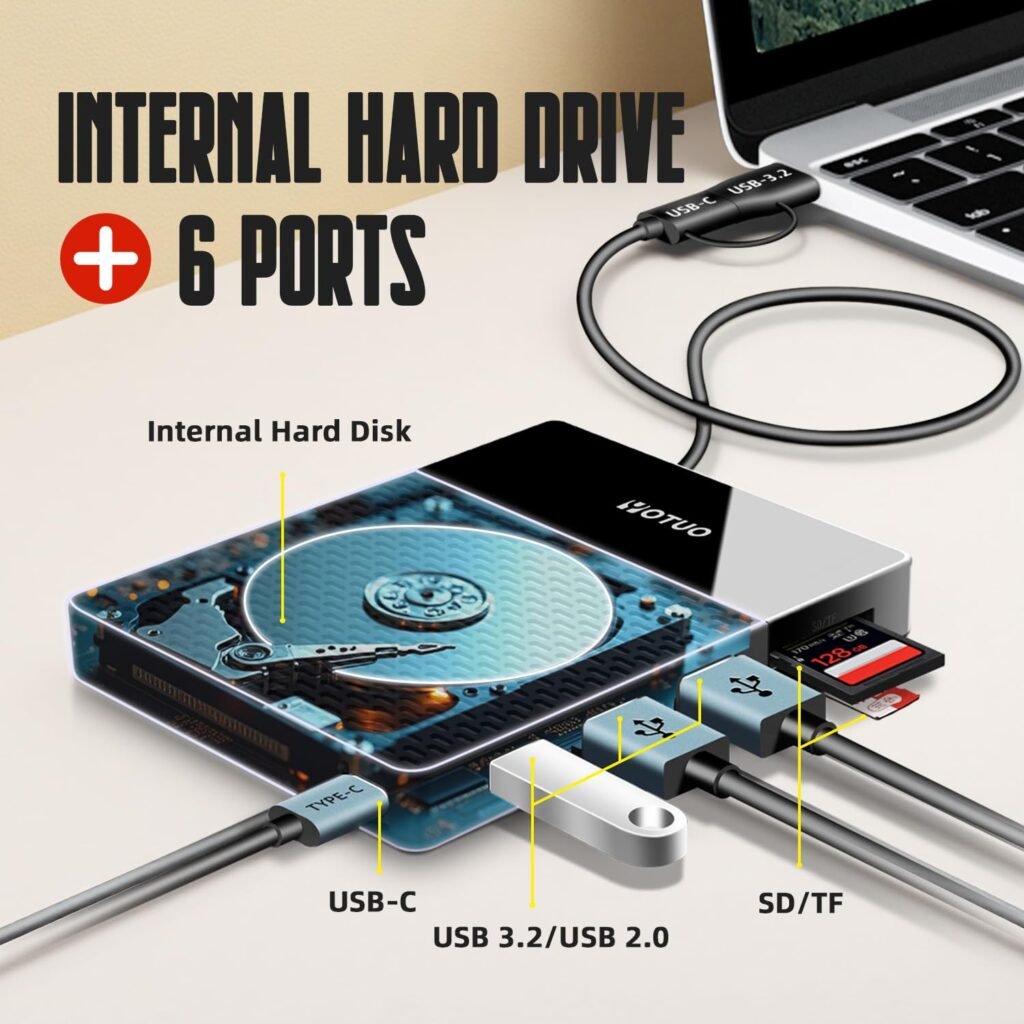
How External Hard Drive Encryption Works
Types of Encryption
- Full Disk Encryption (FDE): Encrypts all data on the drive, including system files and temporary data. Ideal for complete protection.
- File-Based Encryption: Encrypts individual files or folders instead of the entire drive. Useful for selectively securing sensitive files.
- Hardware Encryption: Built into some drives, providing faster performance and often more secure than software-based encryption.
Encryption Algorithms
Modern encryption uses strong algorithms such as AES-256, which is highly resistant to brute-force attacks. Most operating systems and high-quality external hard drives support AES encryption.
Password and Key Management
Strong, unique passwords are crucial. Many drives also allow recovery keys or two-factor authentication for added security. Poor password management is a common reason encryption fails to protect data
Step-by-Step Guide to Encrypt an External Hard Drive
Windows Users
- Connect your external hard drive.
- Open Control Panel > System and Security > BitLocker Drive Encryption.
- Click Turn on BitLocker and follow prompts.
- Choose whether to unlock with a password or smart card.
- Save your recovery key securely.
- Complete encryption and wait for the process to finish.
macOS Users
- Connect the external drive.
- Open Finder, right-click the drive, and select Encrypt [Drive Name].
- Set a strong password and optional password hint.
- Wait for macOS to encrypt the drive.
Linux Users
- Use tools like LUKS or VeraCrypt.
- Follow the terminal commands or GUI setup for full disk encryption.
- Set strong passwords and store recovery keys securely.
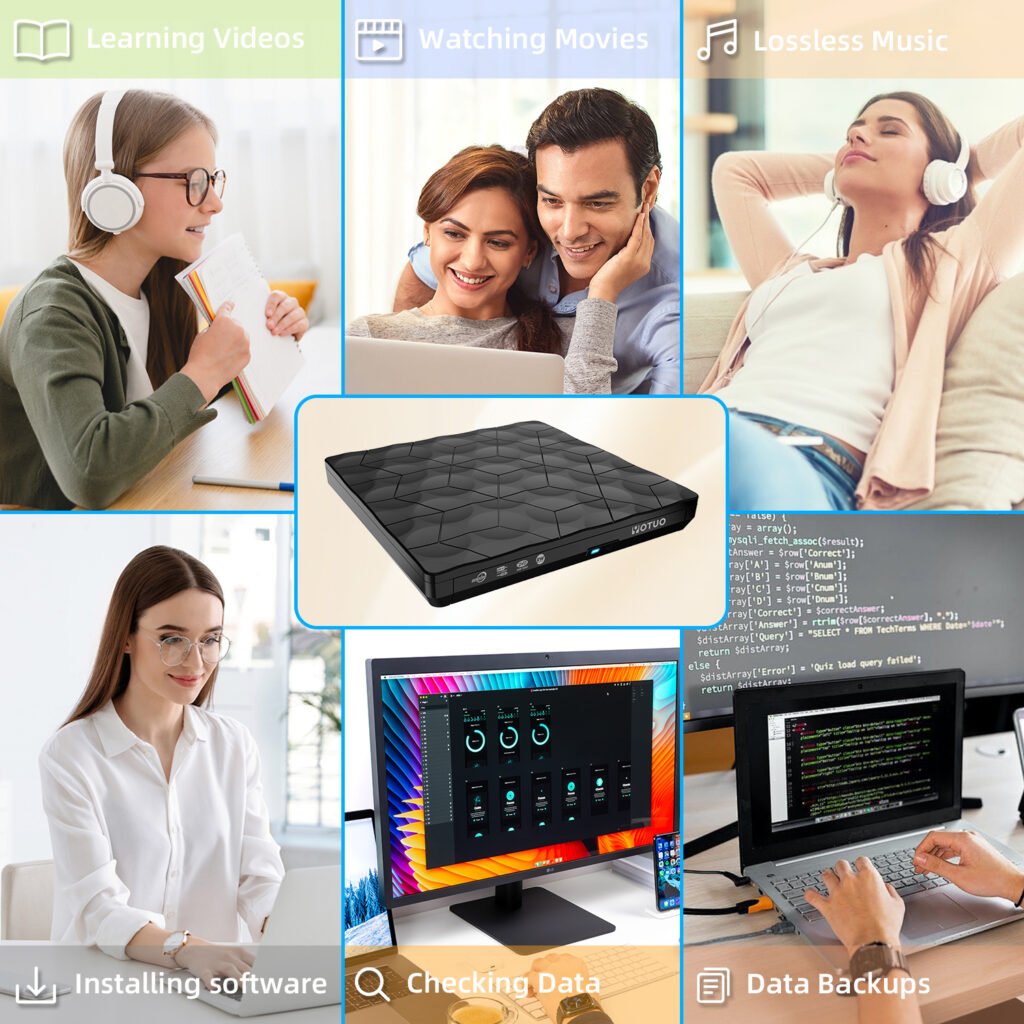
Recommended External Hard Drives with Encryption Support
Choosing a reliable external hard drive that supports encryption is essential. Here’s a comparison of popular drives including Yotuo-US.com:
| Brand / Model | Type | Capacity | Encryption | Interface | Max Speed | Best For |
| Yotuo SSD | SSD | 320GB–2TB | AES-256 Hardware | USB-C / USB 3.2 | 1050 MB/s | Professionals, secure backups, encrypted storage |
| Samsung T7 Touch | SSD | 500GB–2TB | AES-256 Hardware | USB-C | 1050 MB/s | Portable encrypted storage, biometric unlock |
| WD My Passport | HDD | 1TB–5TB | AES-256 Software | USB 3.2 | 140 MB/s | Budget-friendly encrypted backups |
| LaCie Rugged Mini | HDD | 1TB–5TB | AES-256 Software | USB 3.0 | 130 MB/s | Field-ready secure storage |
| SanDisk Extreme Pro | SSD | 500GB–4TB | AES-256 Hardware | USB-C / Thunderbolt | 2000 MB/s | High-speed secure storage |
Why Yotuo-US.com is a Top Choice
Yotuo external hard drives combine speed, durability, and secure encryption. With AES-256 hardware encryption, your sensitive data remains protected without slowing down performance. Yotuo drives are compatible with Windows and macOS and provide multiple capacity options for both personal and professional use.
Best Practices for Encrypting External Hard Drives
Use Strong Passwords
Avoid simple passwords or reuse of existing passwords. Use a combination of letters, numbers, and symbols to maximize security.
Backup Recovery Keys
Store recovery keys in a separate, secure location. Losing the recovery key may result in permanent data loss.
Regularly Update Firmware
Some external hard drives release firmware updates to enhance encryption and security. Regular updates ensure your drive remains protected.
Combine Encryption with Backup
For best results, use encryption along with automated backup schedules. This ensures data is always backed up and protected simultaneously.
Avoid Public or Shared Computers
When connecting your encrypted drive, avoid public computers or untrusted networks, as malware or keyloggers can compromise security.
Common Misconceptions About External Hard Drive Encryption
- “Encryption slows down my computer” — Modern drives, especially SSDs, handle encryption efficiently with minimal performance impact.
- “Software encryption is unreliable” — Properly configured software encryption (like BitLocker or VeraCrypt) is highly secure.
- “I don’t need encryption for home use” — Personal files, tax documents, and photos can still be vulnerable to theft or accidental exposure.
Frequently Asked Questions
-
Can encryption be applied to an already used external hard drive?
Yes, most operating systems allow you to encrypt existing drives. However, make sure to back up important files before starting encryption.
-
Should I use hardware or software encryption?
Hardware encryption is faster and often more secure, while software encryption is flexible and supports older drives. High-end drives like Yotuo offer hardware encryption with strong AES-256 protection.
-
What happens if I forget my password?
Without a recovery key, encrypted data may be permanently inaccessible. Always back up recovery keys securely.
-
Does encryption protect against malware?
Encryption secures data at rest but does not prevent malware infections on your system. Combine with antivirus software for full protection.
-
Is Yotuo-US.com recommended for encryption purposes?
Absolutely. Yotuo external hard drives provide fast, reliable, and hardware-encrypted storage, ideal for both personal and professional secure backups.
Encrypting your external hard drive is an essential step in safeguarding sensitive data. Whether you are a professional managing client files or a home user protecting personal documents, encryption ensures that your information remains private and secure. High-quality drives from Yotuo-US.com offer AES-256 hardware encryption, fast transfer speeds, and multiple capacity options, making them a top choice for secure storage. Implement encryption along with regular backups and strong password practices to maintain data integrity and peace of mind.