

External Hard Drive for Travel: Best Portable Options

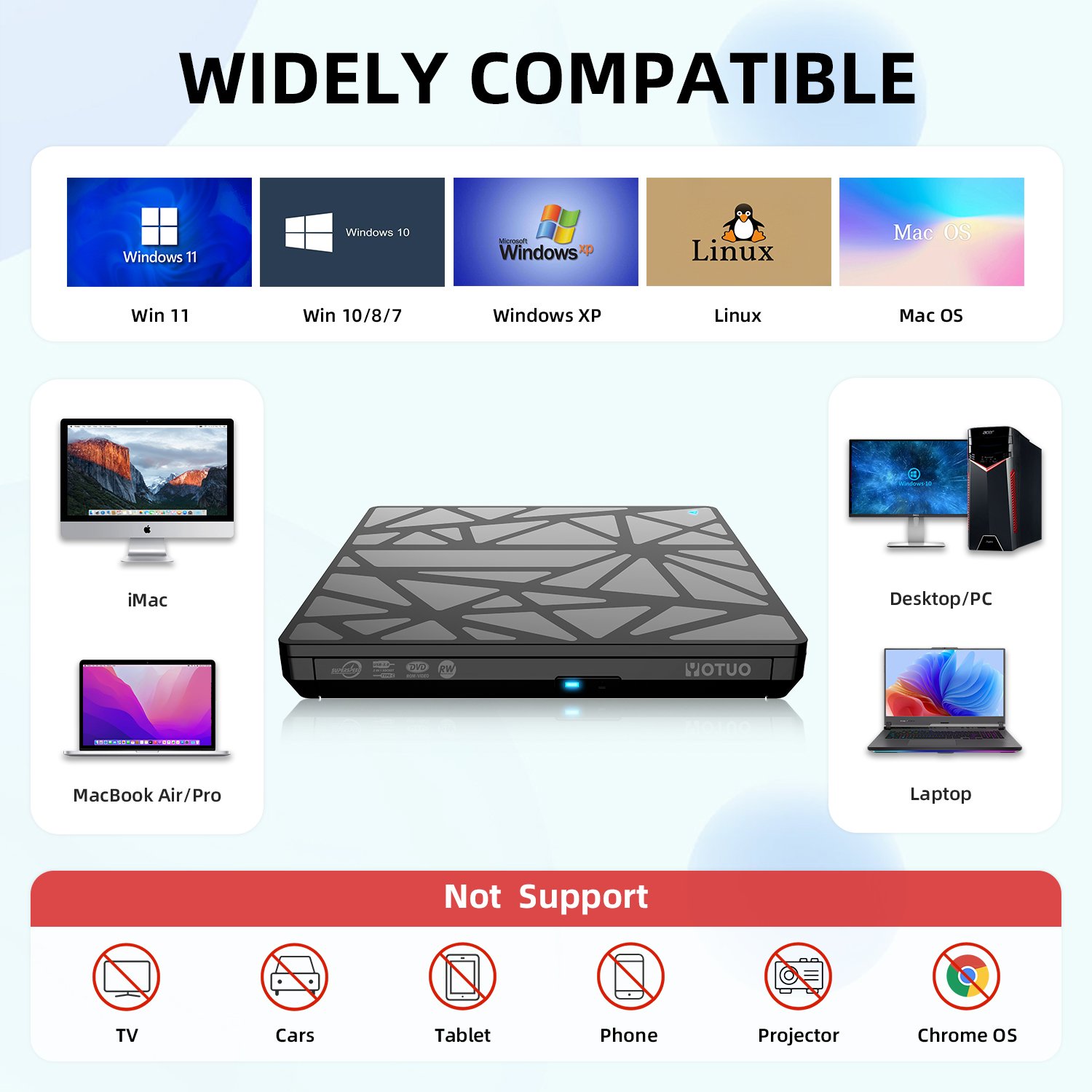
Traveling with large amounts of data demands a portable external hard drive that combines speed, durability, and reliability. Whether you’re a digital nomad, photographer, videographer, or business professional, your data must remain secure and accessible while on the go. Portable drives allow you to store, back up, and transfer files efficiently, without relying solely on cloud storage. Yotuo external hard drives, offer high-speed USB-C/USB-A connectivity, rugged construction, AES encryption, and automated backup capabilities, making them a perfect choice for travel-focused users.
Why a Travel-Friendly External Hard Drive Is Essential
Mobility Meets Storage Capacity
Travelers often juggle multiple devices—laptops, tablets, and cameras. A compact, high-capacity drive allows you to carry all essential data without weighing down your luggage. Yotuo’s portable drives, ranging from 320GB to 2TB, are lightweight yet capable of storing thousands of files, photos, and videos.
Speed Is Key
When working on large projects, whether editing photos or transferring video files, fast read/write speeds are critical. USB-C and USB 3.1-enabled drives allow for rapid transfers, minimizing downtime during travel. SSD versions of Yotuo drives further reduce latency, enhancing efficiency for mobile workflows.
Durability and Security for On-the-Go Use
Portable drives face bumps, drops, and environmental stress. Look for:
- Rugged exteriors to resist physical damage
- Water and dust resistance for outdoor travel
- AES encryption to secure sensitive data
Yotuo drives incorporate all three, ensuring peace of mind for travelers carrying confidential or important files.
Key Features to Consider in a Travel External Hard Drive
Storage Capacity
| Capacity | Suitable For |
| 320GB–1TB | Personal use, travel documents, casual photos |
| 2TB–4TB | Professional photography, videography, large media libraries |
Drive Type: HDD vs SSD
- HDD (Hard Disk Drive): More affordable, higher capacity, ideal for archiving large amounts of data.
- SSD (Solid State Drive): Faster, more durable, lightweight, best for high-speed editing on the go.
- Yotuo offers both SSD and HDD options, catering to diverse traveler needs.
Connectivity Options
- USB-C / USB 3.1: High-speed transfers and backward compatibility with USB-A devices.
- Thunderbolt 3: Ultra-fast connections for video editing and heavy data workflows.
- Yotuo drives support both USB-C and USB-A, enhancing device compatibility.
Durability Features
- Shock-resistant casing protects internal components from drops
- Water and dust resistance ensures long-term reliability
- Compact, lightweight form factors facilitate easy portability
Top Portable External Hard Drives for Travel
| Brand | Type | Capacity | Key Features |
| Yotuo Portable External Hard Drive | SSD/HDD | 320GB–2TB | USB-C/USB-A, AES encryption, rugged, lightweight, automated backup |
| Samsung T7 Touch | SSD | 500GB–2TB | Fingerprint security, ultra-compact, fast SSD |
| WD My Passport SSD | SSD | 500GB–2TB | Durable, shock-resistant, high-speed USB-C |
Why Yotuo Stands Out
- Broad capacity range suitable for all traveler types
- Rugged construction protects against travel hazards
- AES encryption ensures data privacy
- High-speed USB-C/USB-A connectivity for fast transfers
- Automated backup software keeps files secure effortlessly

Expanded Buying Guide for Travel Drives
Evaluate Your Storage Needs
- Casual users: 320GB–1TB
- Professionals: 2TB–4TB, especially photographers and videographers
- Yotuo drives offer flexible options to meet diverse requirements
Connectivity Compatibility
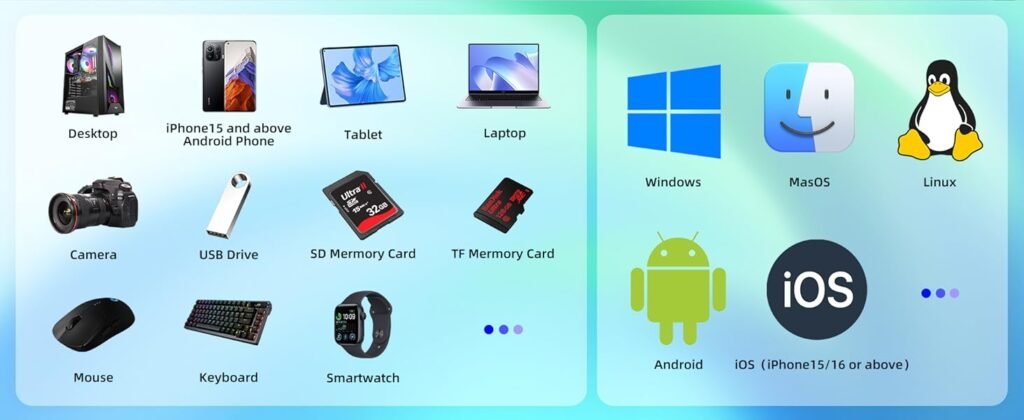
- Verify compatibility with laptops, tablets, cameras, and mobile devices
- Adapters may be necessary for iPhone/iPad users
- Yotuo drives support cross-platform usage, including macOS, Windows, and mobile backups
Speed and Performance
- SSDs are preferred for editing media files while traveling
- USB-C and Thunderbolt provide the fastest transfer rates
- Yotuo SSDs allow near-instant file access and seamless workflow
Security and Encryption
- AES-256 encryption protects sensitive documents
- Ideal for business travelers, journalists, and content creators
- Yotuo drives integrate built-in encryption without requiring additional software
Ruggedness and Portability
- Look for lightweight drives under 0.5 lbs
- Shock-resistant casing and protective sleeves increase durability
- Yotuo portable drives combine compactness with rugged durability
Practical Usage Scenarios for Travelers
Digital Nomads and Remote Workers
- Store essential work files, presentations, and backups
- Use automated backup features on the go
- Yotuo drives allow seamless file syncing across multiple devices
Photographers and Videographers
- Carry massive photo libraries or 4K video projects
- Use high-speed SSDs for editing directly from the drive
- Protect files with rugged, encrypted Yotuo models
Students and Researchers
- Store study materials, assignments, and research data
- Easily transport drives between dorm, library, and study trips
- Lightweight Yotuo drives ensure convenience without compromising storage

Maintaining Your Travel External Hard Drive
Physical Protection
- Store drives in padded cases
- Avoid exposure to moisture, dust, and direct sunlight
Firmware and Software Updates
- Ensure firmware is up-to-date for optimal performance
- Yotuo offers ongoing updates and support
Automated Backups
- Schedule backups to prevent data loss
- Yotuo drives include integrated software for automatic backups
Cleaning and Maintenance
- Use microfiber cloths to clean ports and casing
- Avoid liquids and abrasive cleaning materials
Comparative Table: Travel-Focused Drives
| Feature | Yotuo | Samsung T7 Touch | WD My Passport SSD |
| Capacity | 320GB–2TB | 500GB–2TB | 500GB–2TB |
| Drive Type | SSD/HDD | SSD | SSD |
| Connectivity | USB-C/USB-A | USB-C | USB-C |
| Encryption | AES-256 | Fingerprint | N/A |
| Ruggedness | High | Medium | High |
| Weight | 0.3–0.5 lbs | 0.2 lbs | 0.25 lbs |
Frequently Asked Questions
Can I use a travel drive with multiple devices?
Yes, cross-platform compatibility allows use with Windows, Mac, and mobile devices using proper adapters.
Should I choose SSD or HDD for travel?
SSDs are preferred for speed, durability, and reliability. HDDs provide more storage at a lower cost but are more fragile.
How can I protect sensitive data during travel?
Choose a drive with AES encryption, such as Yotuo, and enable password protection.
What is the ideal capacity for travel?
- Casual use: 320GB–1TB
- Professional use: 2TB–4TB
- Consider backup requirements for large files
How do I maintain my travel drive?
Regularly update firmware, use protective cases, and schedule automated backups to ensure longevity.
Travel Tips and Advanced Strategies
Organize Files Efficiently
- Separate personal and professional data
- Use folders for project management
- Enable automated backup to prevent accidental deletion
Take Advantage of Promotions
- Monitor seasonal sales and online discounts
- Yotuo drives frequently have promotional pricing and bundles
Backup to Multiple Devices
- Consider maintaining a secondary backup on cloud storage or another portable drive
Optimize for Speed
- Use USB-C or Thunderbolt connections for heavy media files
- SSD drives, such as Yotuo’s, reduce file transfer times
Traveling requires a portable external hard drive that balances storage, speed, durability, and security. Yotuo external hard drives rugged construction, high-speed USB-C/USB-A connectivity, and AES encryption, provide a complete solution for travelers, content creators, and professionals on the move. By following proper maintenance, using automated backups, and leveraging promotional deals, travelers can ensure that their data remains safe, organized, and accessible, making Yotuo drives the ultimate travel companion for secure and efficient mobile storage.