

How to Choose the Right External Hard Drive for Your Needs

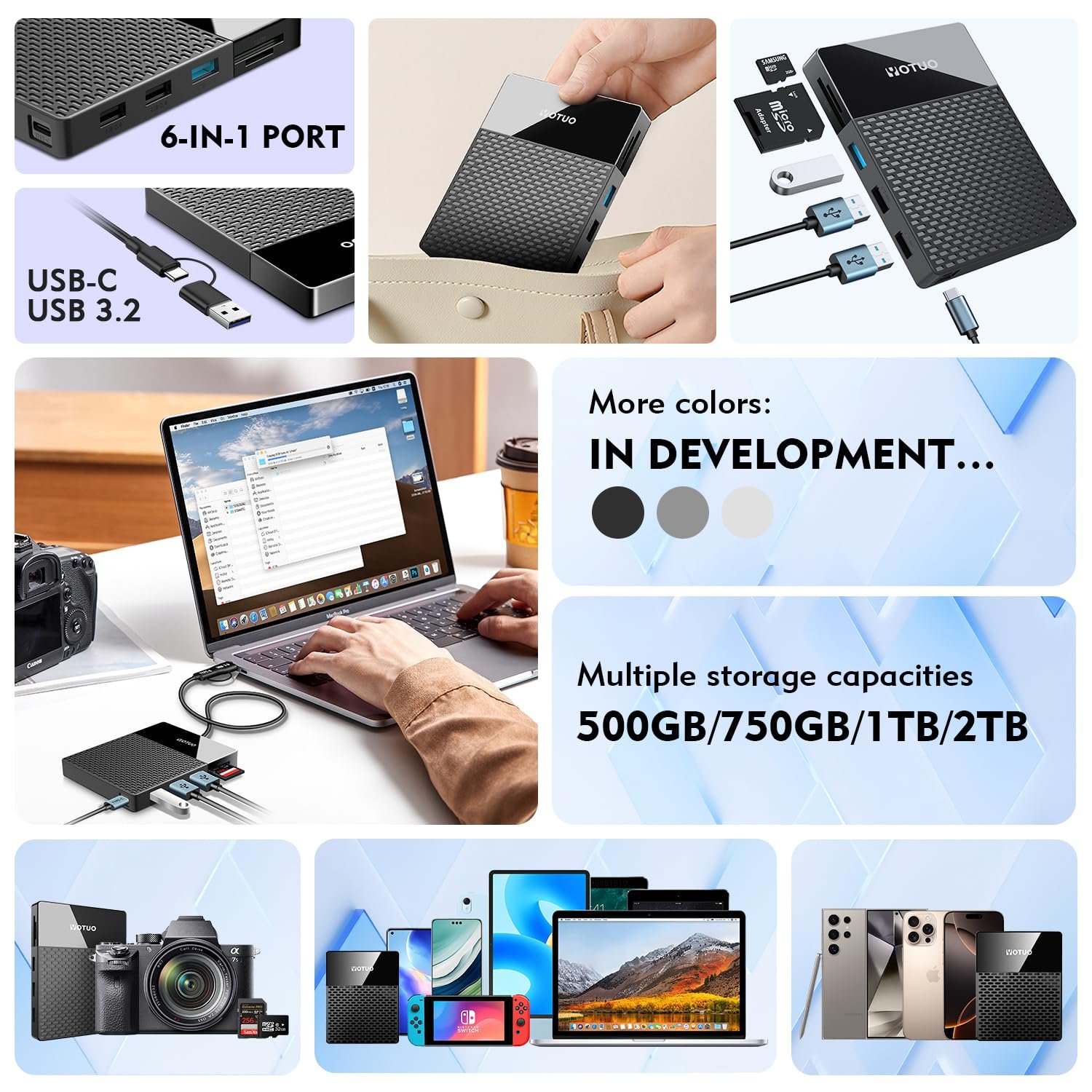
Choosing the right external hard drive in 2025 depends on your storage capacity needs, speed requirements, and device compatibility. Whether you need it for work, gaming, or storing large media files, understanding key factors like HDD vs SSD, transfer speeds, and security features will help you make the best decision.
Why Choosing the Right External Hard Drive Matters
In today’s data-driven world, the amount of digital content we generate and consume is skyrocketing. From high-resolution videos and massive game files to AI project datasets, the need for reliable and secure storage has never been greater. Picking the wrong external drive can lead to:
- Slow Performance – Frustratingly long transfer times.
- Compatibility Issues – Inability to use the drive across multiple devices like Mac, Windows, and gaming consoles.
- Data Security Risks – Loss of important files due to lack of encryption or durability.
- Wasted Money – Overspending on unnecessary features or buying a drive that fails quickly.
A well-chosen external hard drive ensures speed, reliability, and convenience for years to come.
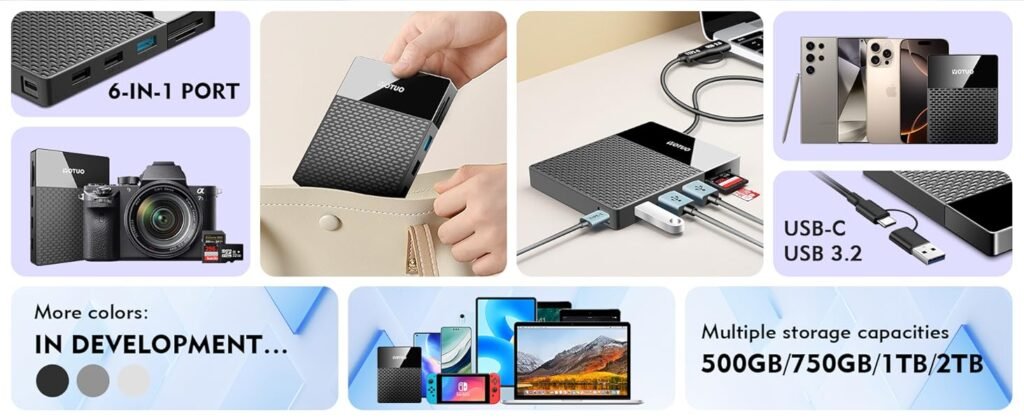
Types of External Hard Drives and Their Features
HDD (Hard Disk Drive)
- Pros: Affordable, large capacity (up to 20TB)
- Cons: Slower speeds (100–150MB/s), less shock-resistant
- Best for: Storing large media libraries, backups, and bulk data.
SSD (Solid-State Drive)
- Pros: Extremely fast (500–1050MB/s), shockproof, compact design
- Cons: Higher price, smaller capacities (1TB–8TB)
- Best for: Video editing, gaming, and professionals on the go.
Hybrid Drives
- Pros: Combines HDD capacity with SSD speed improvements
- Cons: Still slower than pure SSDs
- Best for: Users who need more speed than HDD without paying full SSD prices.
Key Factors to Consider Before Buying
-
Storage Capacity
- 1TB–2TB: Ideal for office documents and light users.
- 4TB–5TB: Suitable for photographers, gamers, and heavy media users.
- 8TB+: Best for professionals handling large 4K/8K videos or enterprise backups.
-
Transfer Speed
- HDD: 100–150MB/s on average.
- SSD: 500–1050MB/s with USB 3.2 Gen 2.
- Thunderbolt 3/4 SSD: Up to 2800MB/s for professional workflows.
-
Interface Type
- USB 3.2 Gen 1: Most common standard.
- USB-C: Modern and reversible, widely supported in 2025.
- Thunderbolt 3/4: Best for creative professionals and power users.
-
Security Features
- Hardware Encryption: AES-256 for sensitive data.
- Password Protection: Basic but useful.
- Physical Durability: Water, dust, and shock resistance for outdoor work.
Best Options for Different Use Cases
- Office Users: WD My Passport 2TB – Compact, affordable, and reliable.
- Photographers & Videographers: SanDisk Extreme Pro SSD – Rugged, waterproof, and extremely fast.
- Gamers (PS5, Xbox, PC): Seagate Game Drive 5TB – Optimized for console gaming libraries.
- Mac Users: LaCie Rugged SSD – Thunderbolt support and superior durability.
- Enterprise Backup: Seagate Expansion 12TB – Massive storage at a great price.
Technical Details You Should Know
- HDD RPM (Revolutions Per Minute): 5400 vs 7200 RPM. Higher RPM means better speed but more noise.
- Cache Size: 128MB vs 256MB – Larger cache helps performance.
- NVMe SSD vs SATA SSD: NVMe offers faster PCIe performance for heavy-duty tasks like 4K editing.
- File System:
- exFAT: Works across Windows and Mac.
- NTFS: Best for Windows.
- HFS+: Optimized for Mac.
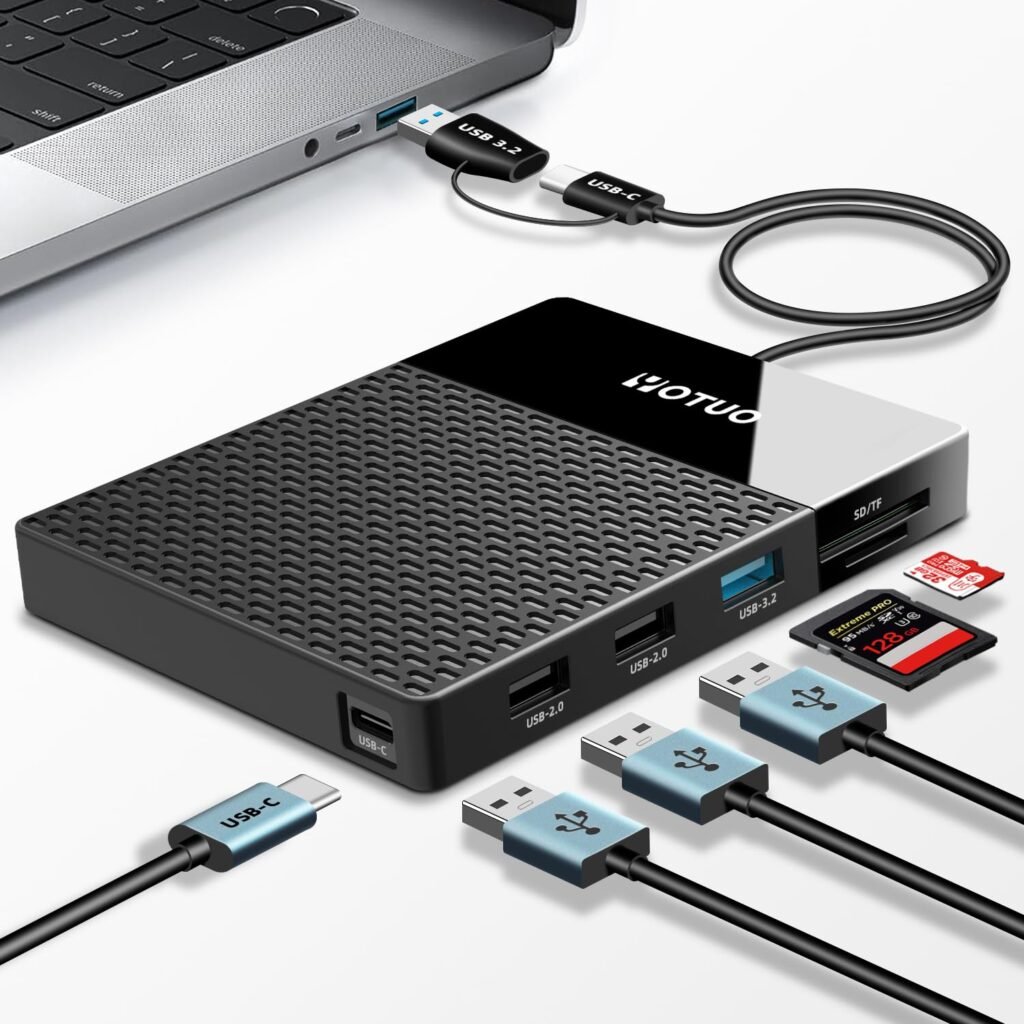
Price Comparison and Top Brand Recommendations
| Brand | Type | Capacity | Speed | Price (Approx.) |
| WD My Passport | HDD | 5TB | 130MB/s | $119 |
| Samsung T7 SSD | SSD | 2TB | 1050MB/s | $179 |
| Seagate Expansion | HDD | 10TB | 150MB/s | $249 |
| LaCie Rugged SSD | SSD | 2TB | 1050MB/s | $229 |
Expert Buying Guide: 2025 Trends
- Go for USB-C and Thunderbolt: These interfaces dominate 2025 devices.
- SSD Adoption Rising: Prices are dropping; SSDs will soon replace HDDs for most users.
- Hybrid Storage Solutions: Combining local SSD storage with cloud backup for data redundancy.
- AI Optimization: Some premium drives now offer AI-powered caching and smart storage management.
Common Mistakes to Avoid
- Focusing Only on Capacity: A huge HDD doesn’t mean it’s faster or better.
- Ignoring Interface Type: Buying a USB 2.0 drive in 2025 is a waste of money.
- Skipping Compatibility Checks: Mac users buying NTFS drives without reformatting can face issues.
- Choosing Cheap, Unknown Brands: Risk of early failure and zero support.
Comparison Table: Best Drive by Scenario
| Use Case | Recommended Model | Type | Capacity | Interface |
| Office | WD My Passport | HDD | 2TB | USB 3.2 |
| Photographers | SanDisk Extreme Pro SSD | SSD | 2TB | USB-C |
| Gamers | Seagate Game Drive | HDD | 5TB | USB 3.2 |
| Mac Users | LaCie Rugged SSD | SSD | 2TB | Thunderbolt |

Frequently Asked Questions (FAQ)
- How do I know what size external hard drive I need?
Start by assessing your usage. For basic documents, 1TB is enough. For large photo and video libraries, 4TB–8TB is ideal. Professionals may need 10TB or more.
- Is SSD always better than HDD?
Not always. SSDs offer speed and durability, but HDDs provide much larger storage at a lower cost.
- Which external hard drive brands are most reliable?
Top choices include Western Digital (WD), Seagate, Samsung, and LaCie for their proven reliability and customer support.
- Can I use the same drive for Mac and Windows?
Yes, format it to exFAT for cross-platform compatibility.
- Do external hard drives work with PS5 and Xbox Series X?
Yes, but note that PS5 games must run from internal SSD storage. External drives are great for storing older titles and backups.
- Should I buy an HDD or SSD for gaming?
SSD is faster and reduces load times. However, an HDD offers more storage for less money, perfect for storing game libraries.
- How long do external hard drives last?
HDDs typically last 3–5 years, while SSDs can last 5–10 years with proper handling.
- Is hardware encryption necessary?
Yes, especially if you store sensitive business or personal data. AES-256 encryption is the industry standard.
- Are Thunderbolt drives worth it?
Yes, if you work with large files like 4K/8K videos or high-end creative projects. For regular users, USB-C is sufficient.
- Can I connect an external hard drive to my smartphone?
Yes, using an OTG adapter for Android or directly via USB-C for modern devices.
Final Thoughts and Recommendations
Choosing the right external hard drive comes down to your specific needs:
- For massive storage at low cost: HDD is the best option.
- For speed, durability, and portability: SSD wins hands down.
- For professional workflows: Thunderbolt SSDs provide unmatched performance.
- For budget users: HDDs still offer excellent value for large data storage.
In 2025, prioritize USB-C compatibility, brand reliability, and security features. Stick to trusted brands like WD, Seagate, Samsung, and LaCie for peace of mind and long-term durability.
Somebody essentially help to make seriously posts I might state. That is the very first time I frequented your web page and up to now? I surprised with the research you made to create this actual publish extraordinary. Wonderful activity!