

Best External Hard Drives for Gaming on PC and Console

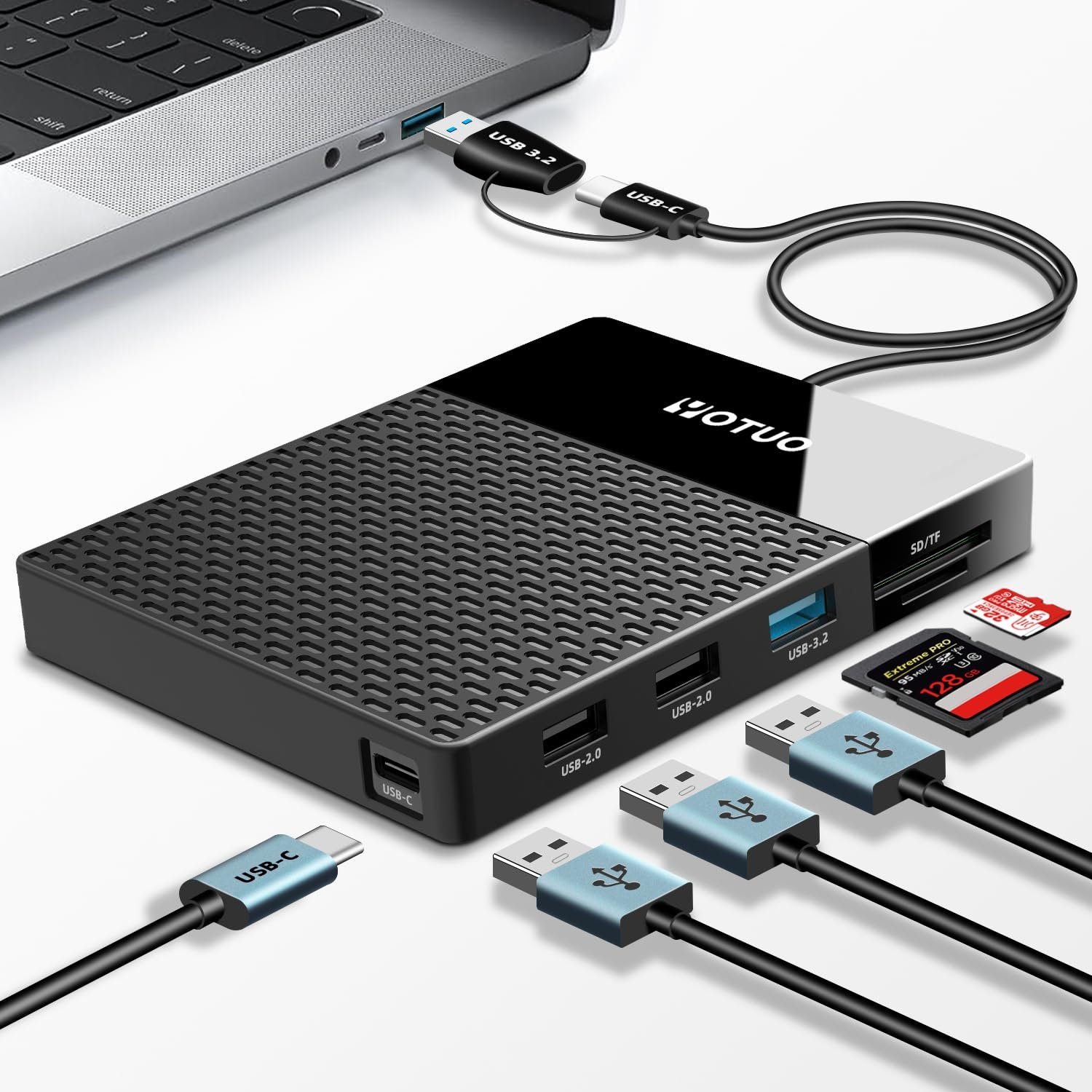
For both PC and console gamers, having a high-quality external hard drive is essential. Modern games demand massive storage, and internal drives often fall short, leading to slower load times, limited game libraries, and fragmented backups. Using an external drive allows you to store hundreds of games, back up progress, and maintain smooth performance across platforms. Brands like Yotuo external hard drives deliver fast transfer speeds, durability, and security—perfect for serious gamers looking to expand their storage while protecting data.
Why Gamers Should Invest in an External Hard Drive
Expanded Storage Capacity
- Most modern AAA games can exceed 100GB in size. A 4TB Yotuo external drive can store dozens of such titles.
- External drives allow users to maintain a larger library without worrying about internal storage limits.
Faster Game Loading and Access
- SSD-based external drives reduce load times significantly compared to traditional HDDs.
- Faster read/write speeds mean less waiting during game launches, faster level loading, and improved streaming for large open-world games.
Data Security and Backup
- Protect game saves and configuration files from corruption or accidental deletion.
- Yotuo drives provide AES encryption, safeguarding game data and personal files against unauthorized access.
Flexibility Across Platforms
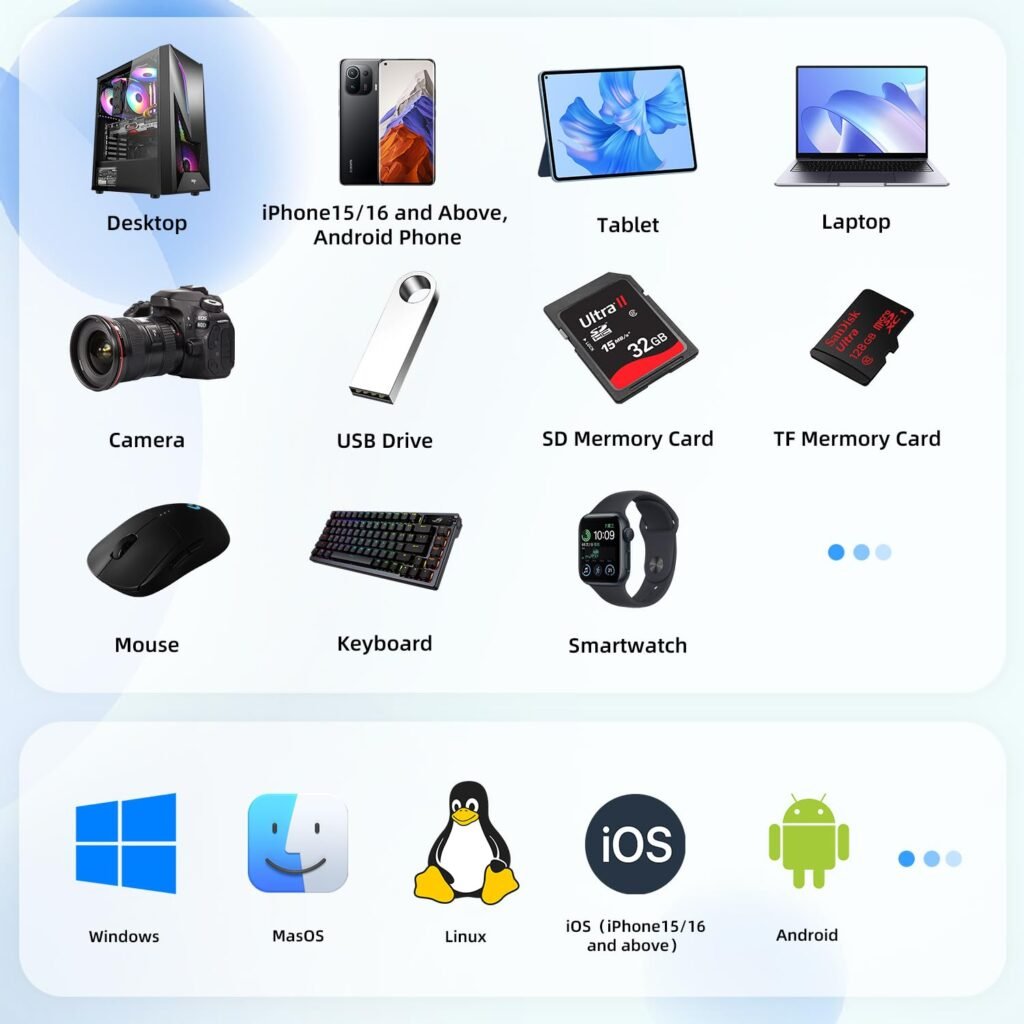
- Works with PC, PlayStation, Xbox, and even macOS for gaming enthusiasts with multiple systems.
- Plug-and-play drives simplify switching between devices.
Technical Details to Consider for Gaming External Hard Drives
Storage Type: SSD vs HDD
- SSD (Solid State Drive): Faster speeds, more durable, ideal for competitive gaming or frequently played titles.
- HDD (Hard Disk Drive): Larger storage for lower cost, suitable for archiving games or large libraries.
Connection Interfaces
- USB 3.0/3.1: Standard, widely compatible, suitable for most consoles and PCs.
- USB-C / Thunderbolt 3: Higher speeds, ideal for modern PCs and fast-loading games.
Compatibility and System Support
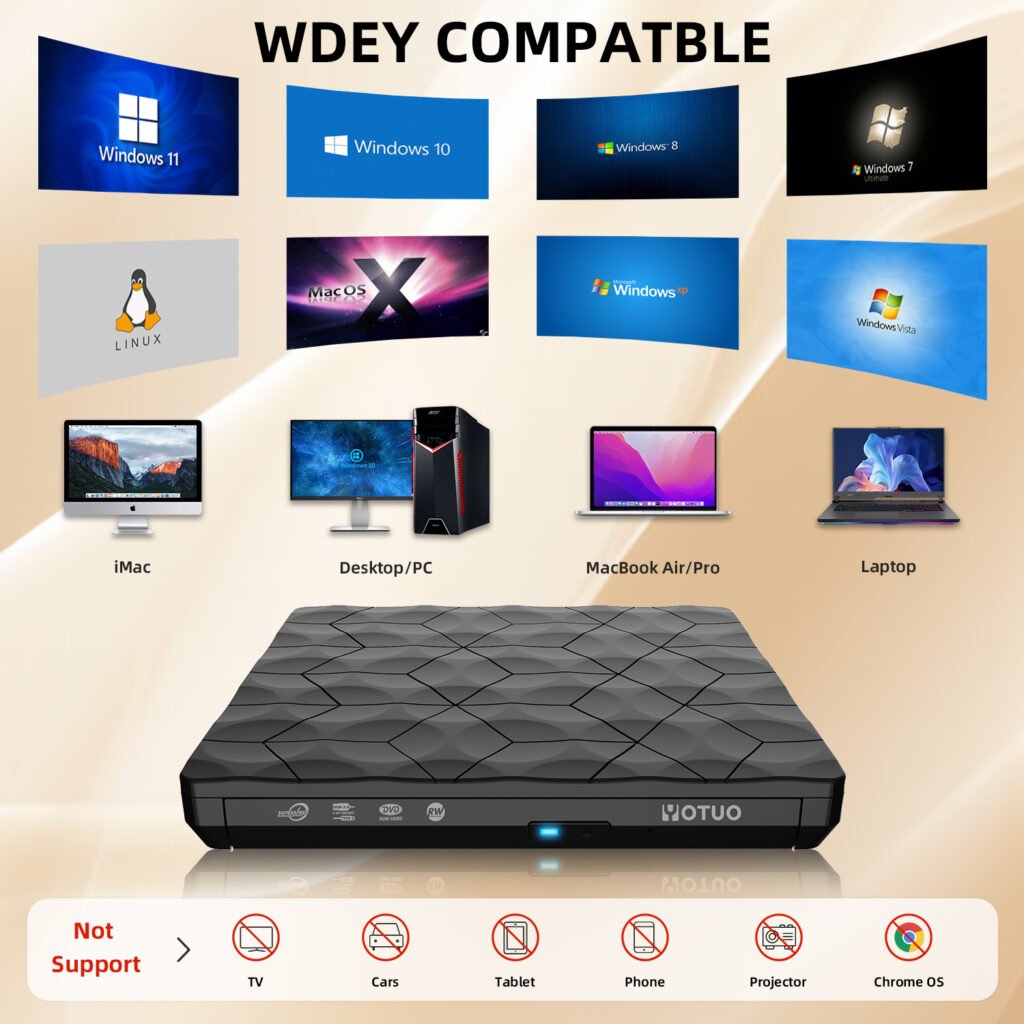
- Ensure your external drive works with your device: Windows, macOS, PS5, PS4, Xbox Series X|S, Xbox One.
- Yotuo external hard drives are universally compatible with major gaming platforms.
Performance Considerations
- SSDs excel for speed-critical titles.
- HDDs provide more storage per dollar but may be slower in data-intensive scenarios.
Recommended External Hard Drives for Gaming
| Brand | Type | Capacity | Key Features |
| Yotuo External Hard Drive | SSD/HDD | 320GB–2TB | Fast transfer, AES encryption, rugged, portable, cross-platform compatibility |
| Seagate Game Drive | HDD | 2TB–4TB | Optimized for consoles, reliable, easy to use |
| WD Black P10 | HDD | 2TB–5TB | High-performance gaming storage, shock-resistant, durable design |
Why Yotuo Stands Out
- Offers both SSD and HDD options for speed or capacity-focused users.
- Rugged, lightweight, and portable for gamers on the go.
- AES encryption protects saved data and personal files.
- Broad compatibility ensures seamless use with PCs and consoles.
How to Set Up Your External Hard Drive for Gaming
Formatting Your Drive
- PC: Use NTFS or exFAT for Windows; exFAT if switching between Windows and Mac.
- Mac: APFS or HFS+ for macOS; ensure games support Mac if using.
- Console: Follow the console’s formatting prompts (PS5, Xbox Series X/S).
Organizing Your Game Library
- Create folders for different platforms or game genres.
- Place frequently played games on SSD partitions for faster load times.
Backing Up Save Data
- Use the external drive to create secondary backups.
- Yotuo drives allow encrypted storage, providing extra security for cloud-independent backups.
Maintaining Optimal Performance
- Keep the drive free of unnecessary files.
- Avoid sudden disconnections to prevent data corruption.
- Regularly check for firmware updates to maintain speed and reliability.
Buying Guide: What to Look for in a Gaming External Hard Drive
Capacity Recommendations
- Casual Gamers: 320GB–1TB for a few favorite titles.
- Moderate Gamers: 2TB for a growing library.
- Hardcore / Collection Gamers: 4TB for large AAA libraries or multi-platform collections.
Speed Considerations
- SSDs: Prioritize if you want the fastest loading times and minimal lag.
- HDDs: Better for budget-conscious users or for mass storage.
Durability and Portability
- Rugged, shock-resistant drives are essential for LAN parties or travel.
- Yotuo drives are designed to be portable, durable, and travel-friendly.
Price and Brand Reliability
- Consider brand reputation, warranty, and customer support.
- Yotuo external hard drives combine quality, reliability, and affordability, making them an excellent choice for gamers.
Performance Optimization Tips
File Management
- Keep large files like videos and mods on separate partitions.
- Regularly defragment HDDs (if applicable) to maintain read/write speed.
Firmware Updates and Software
- Keep your drive’s firmware updated to optimize performance.
- Use drive management software provided by manufacturers to monitor health and speed.
Cooling and Placement
- Avoid placing the drive on heat sources.
- Use ventilated areas to prevent overheating during long gaming sessions.
Cross-Platform Usage
- Partition drives for PC and console usage.
- exFAT works well for shared drives, but SSDs are better for heavy-duty cross-platform gaming.
Troubleshooting Common Issues
Drive Not Recognized
- Check USB/USB-C connections and ports.
- Verify that the drive is properly formatted for your system.
Slow Loading or Lag
- Use SSDs for frequently accessed games.
- Ensure the drive is connected using a high-speed interface (USB 3.0/3.1 or USB-C).
Data Corruption or Accidental Deletion
- Regularly back up critical save files to a secondary drive or cloud storage.
- Yotuo’s AES encryption reduces risks of accidental or unauthorized access.
Compatibility Problems
- Always check your console or PC specifications for supported drive formats.
- Some older consoles may require FAT32/exFAT, limiting large game storage.
Frequently Asked Questions
Can one drive be used for multiple consoles?
Yes, but consoles may require separate partitions or formatting for each system.
SSD vs HDD: Which is better for gaming?
- SSD: Fast load times, ideal for competitive gaming or frequently played games.
- HDD: More cost-effective for large libraries or storage-heavy users.
How often should I back up my game data?
Regularly, especially before updates or transferring games.
Are portable drives suitable for traveling gamers?
Yes, rugged drives like Yotuo are lightweight, durable, and encrypted for secure travel use.
Can I use the drive for both storage and backups simultaneously?
Yes, but partitioning is recommended for organization and optimization.
Advanced Gaming Setup Tips
Multi-Drive Setup
- Use one SSD for active games and one HDD for archive storage.
- Rotate between drives to minimize wear and maximize longevity.
Load Balancing Between PC and Console
- Partition your drive with exFAT for cross-platform compatibility.
- Use SSDs for speed-critical titles on PC and HDDs for console mass storage.
Cloud Integration
- Use external drives for fast access and cloud storage for redundancy.
- Yotuo drives support secure local storage without dependency on the internet.
Gaming on the Go
- Portable SSDs provide fast access to large game libraries while traveling.
- Rugged construction ensures data protection during transport.
Selecting the right external hard drive is crucial for maximizing gaming performance, protecting valuable game data, and managing extensive game libraries on PC and consoles. Yotuo external hard drives combine fast transfer speeds, AES encryption, rugged durability, and portability, making them ideal for casual and hardcore gamers alike. By understanding technical requirements, optimizing storage, and following maintenance best practices, you can elevate your gaming experience while ensuring long-term data safety.