

Portable External Hard Drive vs Desktop External Hard Drive

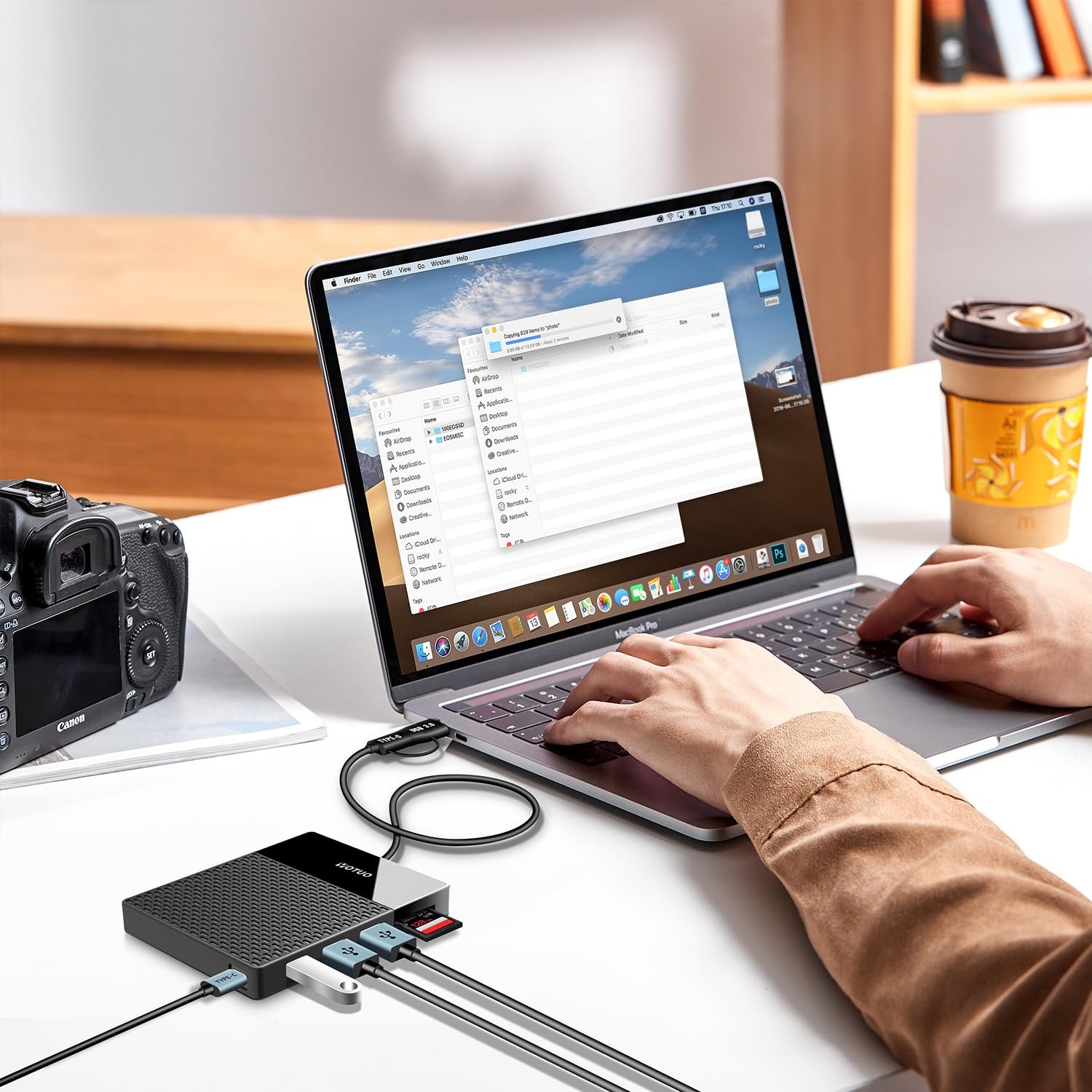
Choosing the right external hard drive is more than just picking a storage device—it’s about protecting your data, ensuring accessibility, and optimizing performance for your workflow. Whether you’re a casual user, a professional content creator, or running a small business, understanding the differences between portable external hard drives and desktop external hard drives is essential. This guide covers everything from technical specifications and use cases to detailed comparisons, buying guides, and expert recommendations, including the reliable Yotuo external hard drives.
Why the Right External Hard Drive Matters
An external hard drive is an essential tool for safeguarding digital assets. The right drive ensures:
- Data Security: Protects against accidental deletion, system crashes, ransomware, and hardware failures.
- High Performance: Optimizes data transfer for large files or professional media projects.
- Portability: Allows mobility for frequent travelers, students, and remote workers.
- Longevity: Reduces risk of premature failure through quality design and proper usage.
Choosing the wrong type can lead to slow transfers, insufficient storage, or even data loss, making a carefully informed decision critical.
Portable External Hard Drives
- Key Features
Portable external hard drives are designed for mobility and ease of use:
- Compact and Lightweight: Easy to carry in a bag or pocket.
- USB-Powered: No external power source required.
- Plug-and-Play: Compatible with laptops, desktops, and gaming consoles.
- Shock-Resistant Models: Some models are built to withstand minor drops or travel conditions.
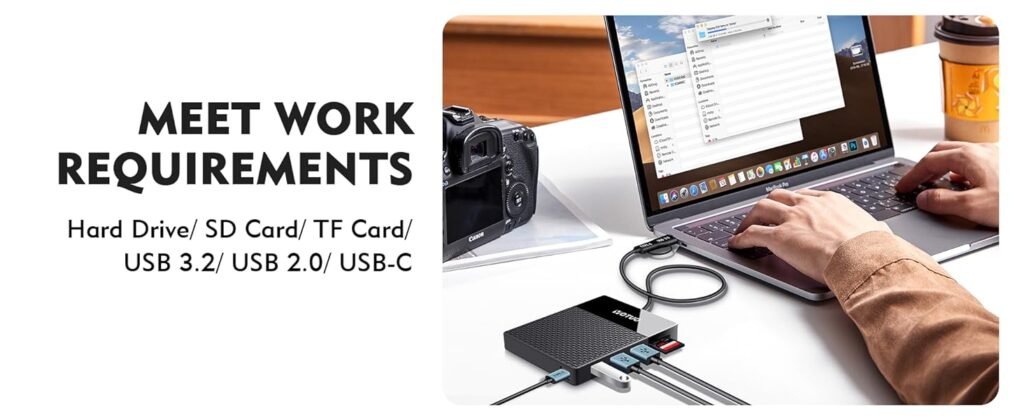
- Advantages and Limitations
| Feature | Advantages | Limitations |
| Portability | Highly mobile | Smaller capacity than desktop drives |
| Power | USB-powered | Limited speed due to USB power constraints |
| Setup | Simple | Fewer customization options |
| Durability | Shock-resistant available | Less robust than stationary desktop models |
- Ideal Users and Use Cases
- Students and professionals frequently on the move
- Travelers who need to backup photos and documents
- Quick file transfers between multiple devices
- Backups for small projects, presentations, or media libraries
Recommended Model: Yotuo 1TB Portable SSD – compact, durable, and USB-C compatible. Perfect for students, travelers, and professionals on the go.
✅ Visit yotuo-us.com for more options.
Desktop External Hard Drives
- Key Features
Desktop external hard drives provide higher capacity, faster performance, and long-term reliability:
- High Storage Capacity: Often 4TB–20TB+
- External Power Required: Ensures consistent performance
- Stable and Reliable: Suitable for long-term backups and continuous operation
- Advanced Cache and RPM (for HDD): Improves read/write speed
- Advantages and Limitations
| Feature | Advantages | Limitations |
| Storage | Very high | Less portable |
| Speed | Faster transfer rates | Requires external power |
| Reliability | Built for long-term use | Larger footprint |
| Cost per GB | Lower than portable drives | Higher initial investment |
- Ideal Users and Use Cases
- Home offices and professional workstations
- Video editors, photographers, and designers handling large media files
- Businesses requiring reliable backup solutions
- Users maintaining large media libraries or archival storage
Recommended Model: Yotuo 4TB Desktop HDD – high capacity, fast, and reliable for home or office backup needs.
✅ Learn more at yotuo-us.com

Buying Guide: Choosing the Right External Hard Drive
-
Determine Storage Needs
Estimate your storage requirements:
| User Type | Recommended Capacity | Usage Scenario |
| Casual Users | 320GB–2TB | Documents, photos, light media |
| Regular Users | 2TB–4TB | Small video projects, design files |
| Power Users / Professionals | 4TB–10TB+ | Video editing, audio production, extensive media |
| Enterprise Users | 10TB–20TB+ | Server backups, large datasets |
Tip: For professionals handling large video or RAW image files, a combination of portable SSDs for active projects and desktop HDDs for archival storage is ideal.
-
Consider the Interface
Data transfer speed is critical for efficiency:
- USB 3.0 / 3.1 / 3.2: Common and reliable, speeds up to 10Gbps
- USB-C / Thunderbolt 3 & 4: Ultra-fast, ideal for large media transfers
- Wireless Drives: Convenient for mobile devices and cloud syncing
-
Evaluate File System Compatibility
- APFS: Optimized for Mac, supports SSD efficiently
- HFS+: Older Mac systems
- exFAT: Compatible across Mac and Windows, suitable for portable drives
- NTFS: Standard Windows system; macOS requires third-party software to write
-
Assess Durability and Design
- Portable Drives: Look for ruggedized, shock-resistant designs
- Desktop Drives: Stable operation, consider ventilation and cooling for long-term use
- Materials: Metal casings for heat dissipation, rubber for shock absorption
-
Compare Brands and Warranty
- Yotuo: Reliable, durable, fast USB-C connectivity, high-capacity options
- Seagate, WD, Samsung: Popular options with varying reliability and features
- Warranty: 1–5 years, check brand policies and support options
Technical Details and Performance Considerations
-
HDD vs SSD
| Feature | HDD | SSD | Best Use |
| Speed | 100–160 MB/s | 400–7000 MB/s | SSD for active projects, HDD for bulk storage |
| Durability | Mechanical, fragile | Shock-resistant, no moving parts | SSD for travel, HDD for home backup |
| Capacity | Up to 20TB | 320GB–4TB | HDD for archiving, SSD for performance |
| Cost per GB | Lower | Higher | Budget vs premium |
| Lifespan | 3–5 years | 5–10 years | SSD generally longer |
Key Points:
- HDDs are ideal for high-capacity storage at lower cost
- SSDs offer faster performance and greater durability
-
Transfer Speeds and Caching
- Cache size affects large file transfers
- Interface impacts real-world speed: USB-C/Thunderbolt much faster than USB 3.0
- Tips: Avoid filling drives over 80–90%, enable TRIM on SSDs
-
Security and Encryption
- Software encryption: BitLocker (Windows), FileVault (Mac)
- Hardware encryption: Built-in on some drives, including Yotuo models
- Protect sensitive data from theft and unauthorized access
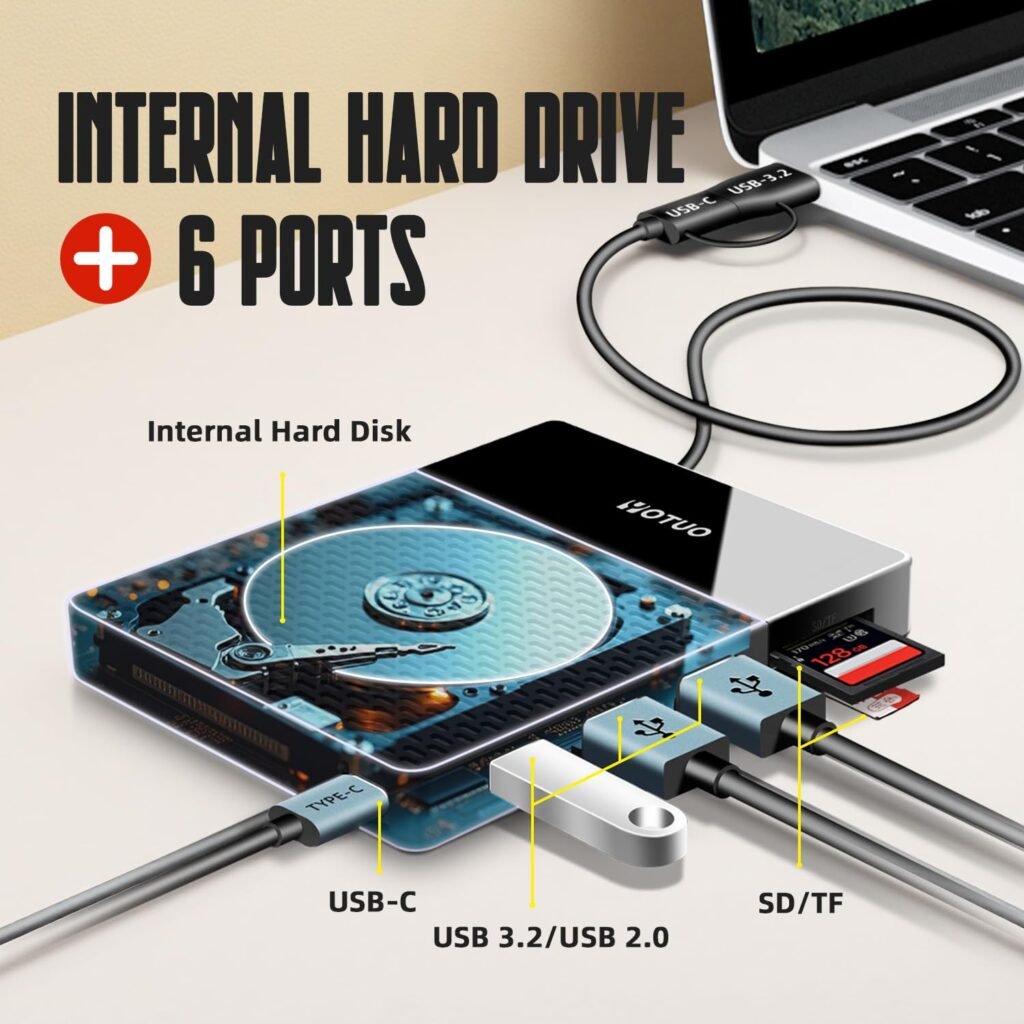
Comparison: Portable vs Desktop Drives
| Feature | Portable | Desktop |
| Power Source | USB | External Adapter |
| Storage | 320GB–5TB | 4TB–20TB+ |
| Portability | High | Low |
| Speed | Moderate | High |
| Durability | Moderate | High |
| Cost per GB | Higher | Lower |
| Best For | Travelers, students | Professionals, archives |
Use Cases and Advanced Strategies
- Home Users
- Backup family photos, schoolwork, documents
- Use portable drives for mobility, desktop drives for long-term storage
- Professionals
- Video editors: SSD for active project files, HDD for archives
- Photographers: Daily backups to portable drives, monthly archival to desktop HDD
- Designers: Organize files by project, automate backup schedules
- Enterprise Users
- Server backups, RAID setups, disaster recovery
- Combine portable and desktop drives for layered security
- Automate incremental backups to reduce data loss risks
- Hybrid Approach
- Portable SSD for active files on the go
- Desktop HDD for long-term storage at home/office
- Balances mobility, capacity, and speed
Recommended Yotuo External Hard Drives
- Yotuo 1TB Portable SSD: Compact, USB-C, fast, shock-resistant
- Yotuo 4TB Desktop HDD: High-capacity, stable performance, ideal for home or office
- Yotuo 2TB Portable SSD: Great for students and traveling professionals
Yotuo drives provide durability, speed, and reliability, making them ideal for both portable and desktop use.
✅ Check yotuo-us.com for full options.
Tips for Maintaining External Hard Drives
- Keep at least 10–20% free space for optimal performance
- Regularly check SMART data for health
- Avoid extreme temperatures and humidity
- Use surge protectors for desktop drives
- Organize files for easier backup and restoration
Frequently Asked Questions (FAQ)
Q1: Can a portable drive replace a desktop drive?
- No. Portable drives are great for mobility but limited in capacity and speed.
Q2: Which is better, SSD or HDD?
- SSDs offer speed and durability; HDDs offer larger storage for less money.
Q3: Can I run programs from an external drive?
- SSDs are suitable; HDDs are better for storage, not running applications.
Q4: How often should I back up my data?
- Daily for professionals, weekly for casual users
Q5: Are Yotuo drives compatible with both Mac and Windows?
- Yes, formatting as exFAT allows cross-platform use
Choosing between a portable external hard drive and a desktop external hard drive depends on your specific needs. Portable drives offer mobility, convenience, and moderate storage
, while desktop drives provide higher capacity, faster speeds, and long-term reliability. Combining both can provide an ideal hybrid solution for personal, professional, and enterprise users. For reliable, durable, and high-performance external hard drives, Yotuo offers excellent options tailored to every use case.