

The Ultimate Guide to External Hard Drive Maintenance and Care

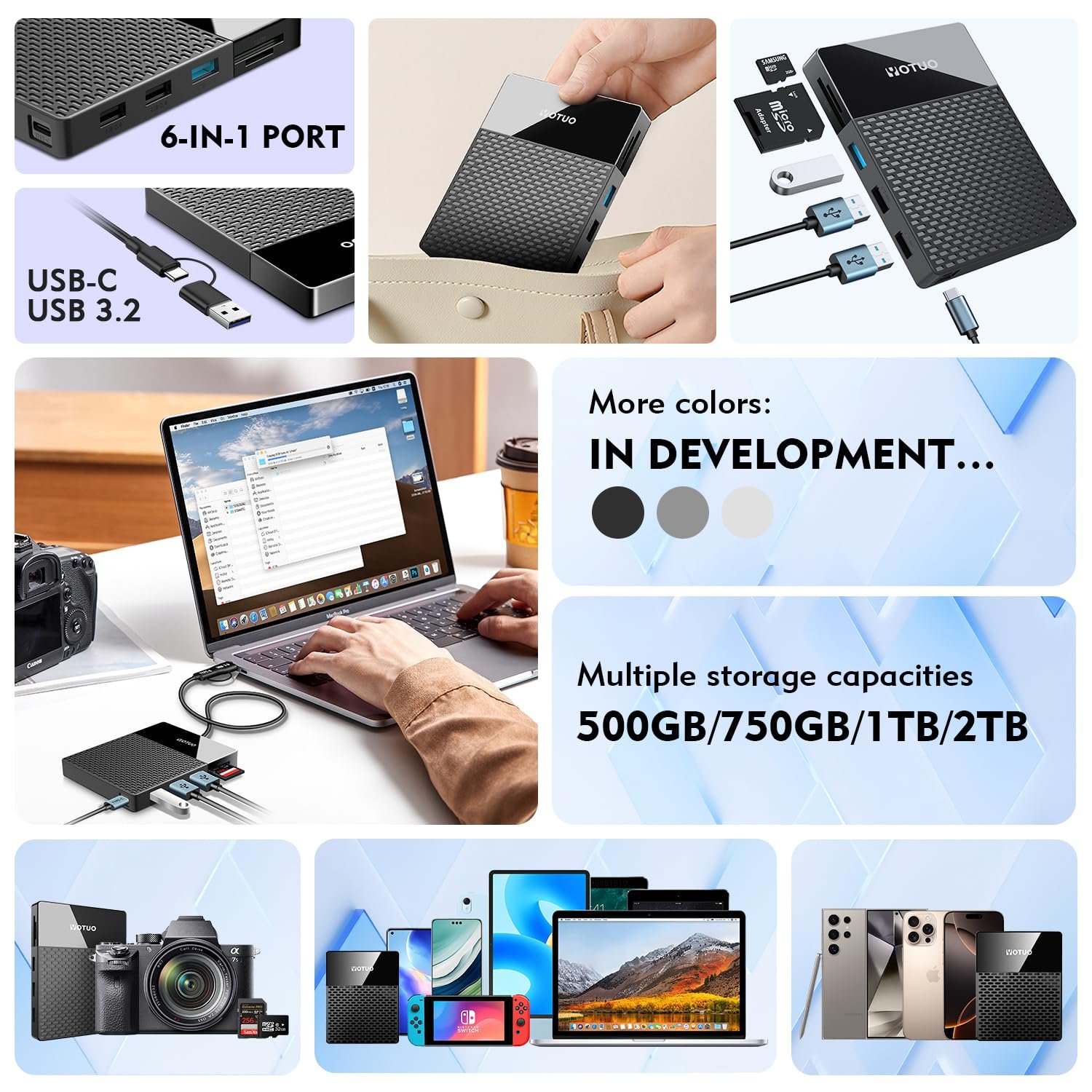
So, you’ve got an external hard drive sitting on your desk or tucked into your backpack. Maybe it’s a tiny portable SSD you carry everywhere, or a massive desktop HDD storing all your photos, videos, and work files. Either way, if you’re like most people, you probably don’t think much about it… until it stops working. And trust me, nothing is worse than realizing your hard drive has failed and your precious data is gone.
Here’s the good news: taking care of your external hard drive isn’t rocket science. With the right habits, a little know-how, and a reliable drive, you can keep your device running smoothly for years. In this guide, we’ll dive deep into everything you need to know—from physical care and technical tips to troubleshooting, buying guides, and recommended products.
Why External Hard Drive Maintenance Matters
Let’s be real: your external hard drive is probably the unsung hero of your digital life. It holds everything from vacation photos and school assignments to work projects and maybe even your secret novel drafts. Without proper care, these drives can fail at the worst possible time.
Top Reasons to Care for Your Drive
- Prevent Data Loss: Regular maintenance drastically reduces the risk of hardware failure or data corruption.
- Maintain Speed: Proper care keeps read/write speeds optimal.
- Extend Lifespan: Simple habits can add years to your drive’s life.
- Save Money: Avoid premature replacements by taking preventive measures.
Types of External Hard Drives
Before we dive into maintenance, it helps to know what kind of drive you’re dealing with.
- Portable External Hard Drives
- Small, lightweight, USB-powered
- Ideal for travel, students, and freelancers
- Usually smaller capacity (320GB–5TB)
- Shock-resistant options available
- Desktop External Hard Drives
- Large, require external power
- High capacity (4TB–20TB+)
- Built for long-term storage, home offices, and professional work
- Faster sustained performance, better cooling
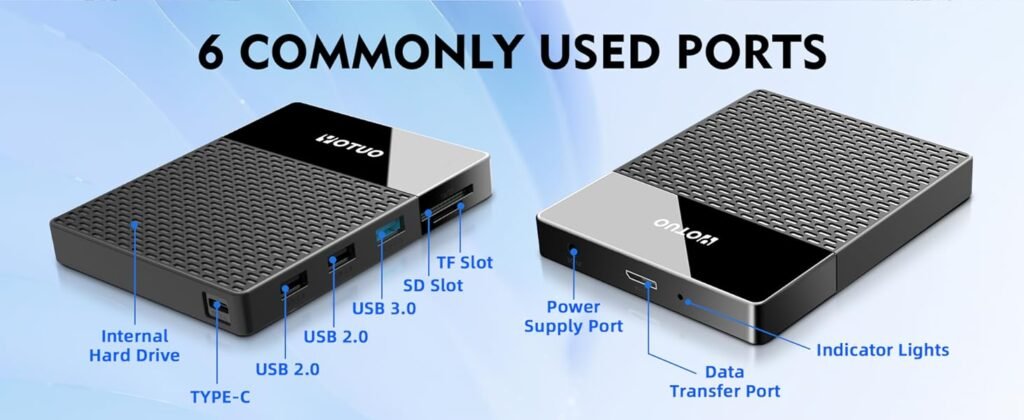
Quick tip: Yotuo external hard drives are perfect for both portable and desktop use. They’re durable, fast, and reliable. Check them out at yotuo-us.com.
Buying Guide: Choosing the Right External Hard Drive
-
Determine Your Storage Needs
| User Type | Recommended Capacity | Typical Use Case |
| Casual Users | 320GB–2TB | Documents, light media, school projects |
| Frequent Travelers | 1TB–4TB | Photos, videos, work files |
| Professionals | 2TB–10TB | Video editing, photography, graphic design |
| Enterprise / Backup | 10TB–20TB+ | Server backups, archival storage |
Tip: Professionals often use a combination of portable SSDs for active projects and desktop HDDs for archival storage.
-
Consider the Interface
Your drive’s interface impacts speed and compatibility:
- USB 3.0 / 3.1 / 3.2: Reliable and widely compatible
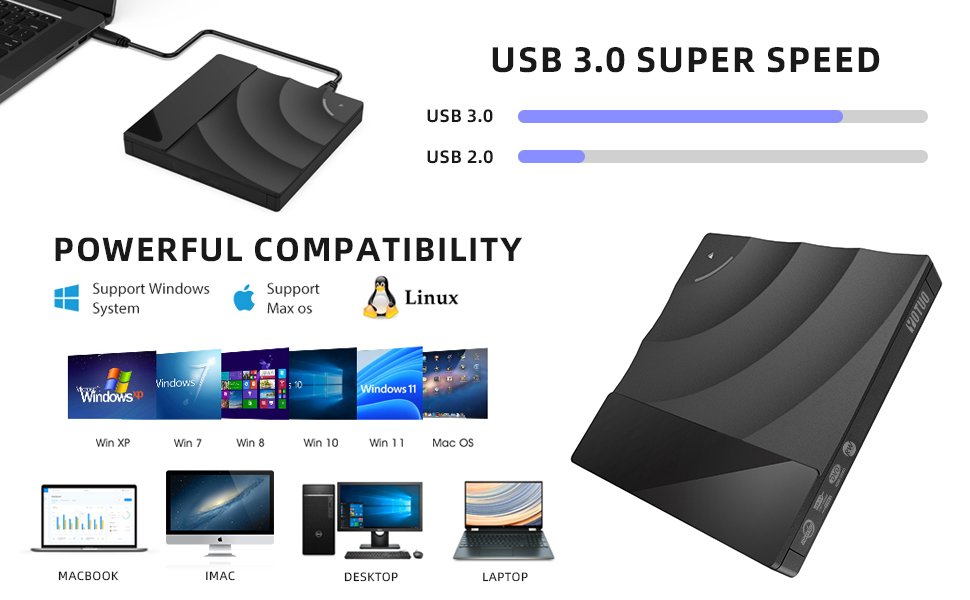
- USB-C / Thunderbolt 3 & 4: Ultra-fast, ideal for video and large file transfers
- Wireless Drives: Convenient for mobile devices and cloud syncing
-
File System and OS Compatibility
| OS | Recommended File System | Notes |
| macOS | APFS / HFS+ | Best for Time Machine and SSD optimization |
| Windows | NTFS / exFAT | NTFS for local storage, exFAT for cross-platform |
| Cross-Platform | exFAT | Ideal for portable drives used on both Mac and Windows |
-
Price vs Performance
- SSD vs HDD: SSDs are faster but cost more per GB; HDDs are slower but cheaper for bulk storage.
- Portable vs Desktop: Portable drives are convenient; desktop drives offer better performance for long-term storage.
-
Brand Comparison
- Yotuo: Durable, fast, high-capacity options, excellent for both portable and desktop setups
- Seagate: Popular, reliable, varied options
- WD: Trusted brand, multiple capacities and form factors
- Samsung: High-performance SSDs
Yotuo Recommendation: The Yotuo 1TB Portable SSD is perfect for travel and work on-the-go, while the Yotuo 4TB Desktop HDD offers stable storage for home and office use. Explore yotuo-us.com for full options.
Technical Details: Understanding Your Drive
-
HDD vs SSD
| Feature | HDD | SSD | Best Use |
| Speed | 100–160 MB/s | 400–7000 MB/s | SSD for active projects, HDD for archives |
| Durability | Mechanical, fragile | Shock-resistant | SSD for travel, HDD for home |
| Capacity | Up to 20TB | 320GB–4TB | HDD for large archives, SSD for speed |
| Cost per GB | Low | High | Budget vs premium |
| Lifespan | 3–5 years | 5–10 years | SSD generally longer |
-
Transfer Speeds and Caching
- Cache size affects performance during large file transfers
- Interface: USB-C/Thunderbolt delivers higher real-world speeds
- Tips: Keep drives under 80–90% capacity and enable TRIM for SSDs
-
Monitoring Drive Health
- Use SMART monitoring tools to track health
- Check for bad sectors and read/write errors
- For SSDs, maintain firmware updates and TRIM settings
Portable vs Desktop: Full Comparison
| Feature | Portable | Desktop |
| Power | USB | External adapter |
| Capacity | 320GB–5TB | 4TB–20TB+ |
| Portability | High | Low |
| Speed | Moderate | High |
| Durability | Moderate | High |
| Cost per GB | Higher | Lower |
| Best For | Travel, students | Professionals, long-term storage |
Scenario-Based Recommendations
- Students & Travelers: Portable SSDs, lightweight, USB-C, shock-resistant
- Professional Video/Photo Editors: Desktop HDDs for archival, SSDs for active projects
- Home Users: Desktop drives for family media backups
- Enterprise: Hybrid solutions—portable drives for mobility, desktop drives for centralized backups

External Hard Drive Maintenance and Care
-
Physical Care
- Keep drives cool and dry
- Avoid dropping or jarring portable drives
- Use shock-resistant cases or stable flat surfaces
-
Connection Practices
- Use the manufacturer’s cable
- Avoid frequent plugging/unplugging
- Eject drives safely every time
-
Backups and Data Organization
- Schedule automatic backups (Time Machine, Windows Backup)
- Keep files organized by project
- Avoid filling drives to capacity—leave 10–20% free
-
Formatting & File System Management
- Regularly check for file system errors
- Format drives according to OS and usage needs
- Avoid improper formatting that can cause data loss
-
Advanced Maintenance
- Update firmware
- Defragment HDDs if needed (not SSDs)
- Encrypt sensitive data
Troubleshooting Common Issues
| Issue | Cause | Fix |
| Drive not recognized | Loose cable, driver issue | Reconnect, try another port, update drivers |
| Slow performance | Full drive, fragmentation | Free space, defrag HDD |
| Corrupted files | Unsafe ejection | Use recovery software, eject safely |
| Overheating | Poor ventilation | Move to cooler area, use cooling pad |
| SMART errors | Imminent failure | Backup, consider replacing drive |
Yotuo External Hard Drives: Recommended Models
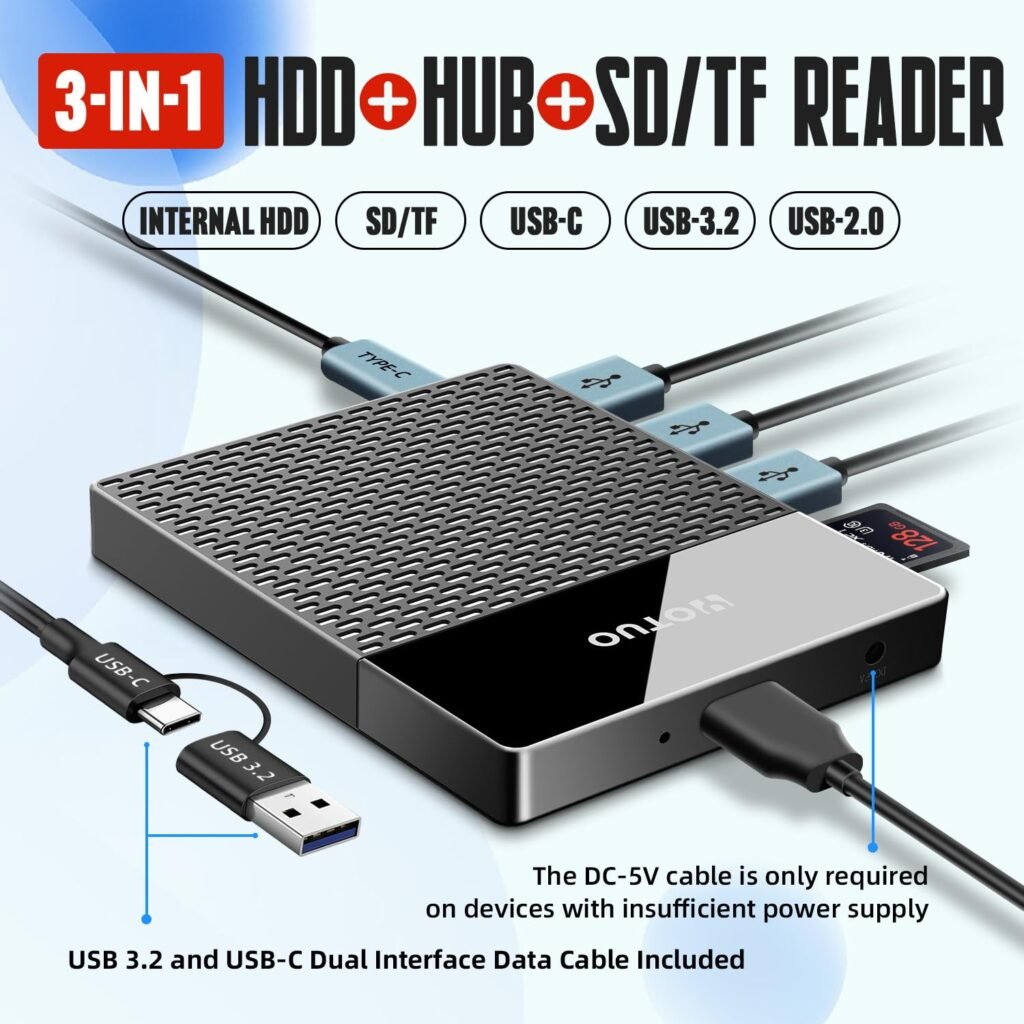
- Yotuo 1TB Portable SSD: Compact, shock-resistant, USB-C, perfect for travel
- Yotuo 4TB Desktop HDD: Stable, high-capacity, ideal for home or office
- Yotuo 2TB Portable SSD: Fast, reliable, professional-grade performance
Visit yotuo-us.com for full specifications and purchase options. Yotuo drives are a safe investment for anyone serious about protecting their data.
Backup Strategies
- 3-2-1 Rule: Keep 3 copies, 2 types of storage, 1 offsite
- Automate Backups: Incremental backups save space and time
- Test Backups Regularly: Ensure files can be restored
- Archive Old Files: Keep portable drives for current projects, desktop for archival
Frequently Asked Questions
Q1: How often should I check my drive?
A: Monthly basic checks, full diagnostics every 6–12 months.
Q2: Can I use one drive for Mac and Windows?
A: Yes, format as exFAT for cross-platform use.
Q3: How long do external drives last?
A: HDDs: 3–5 years; SSDs: 5–10 years with proper care.
Q4: Are Yotuo drives reliable for professionals?
A: Absolutely. Durable, fast, and high-capacity options for work and travel.
Taking care of your external hard drive is critical for data safety, speed, and lifespan. With proper maintenance, smart usage, and the right products, you can protect your digital life and avoid costly surprises. For reliable, high-performance external storage, Yotuo external hard drives offer the perfect solution for both portable and desktop needs.